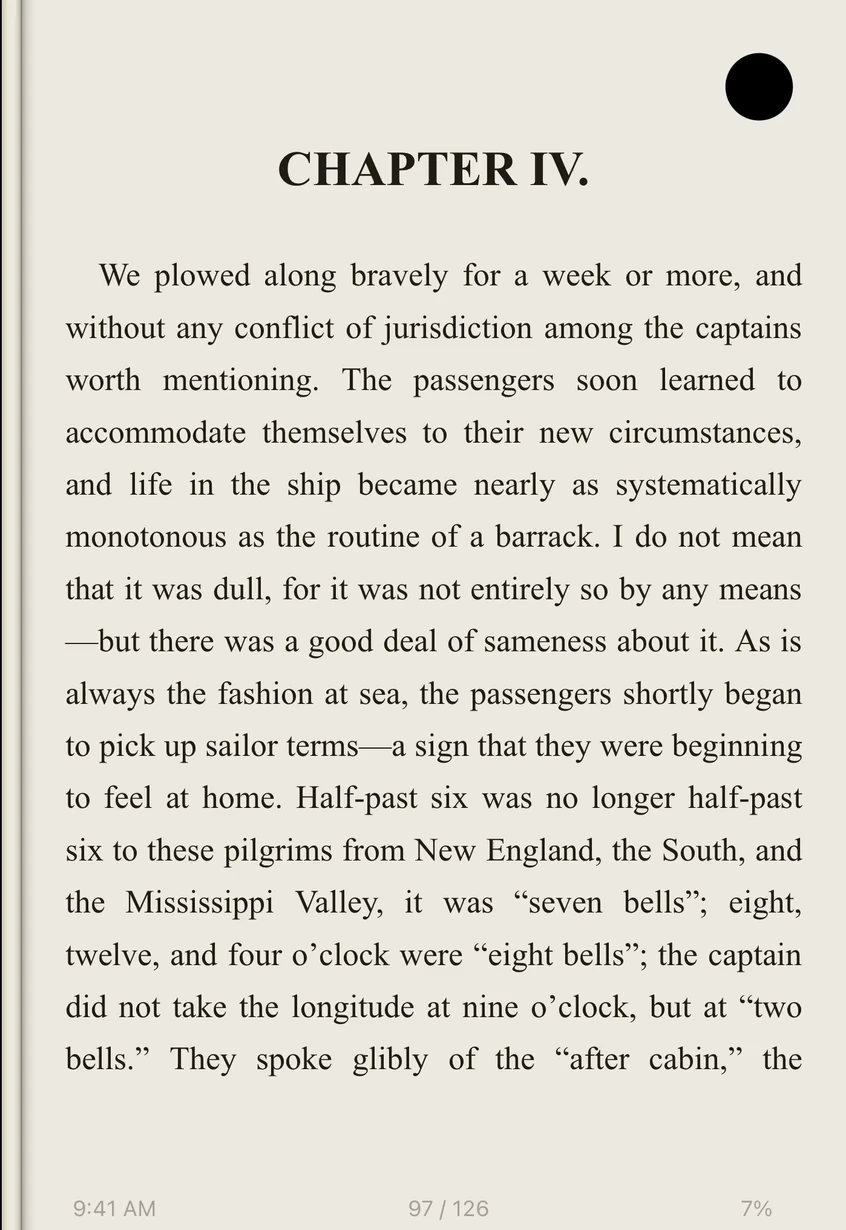
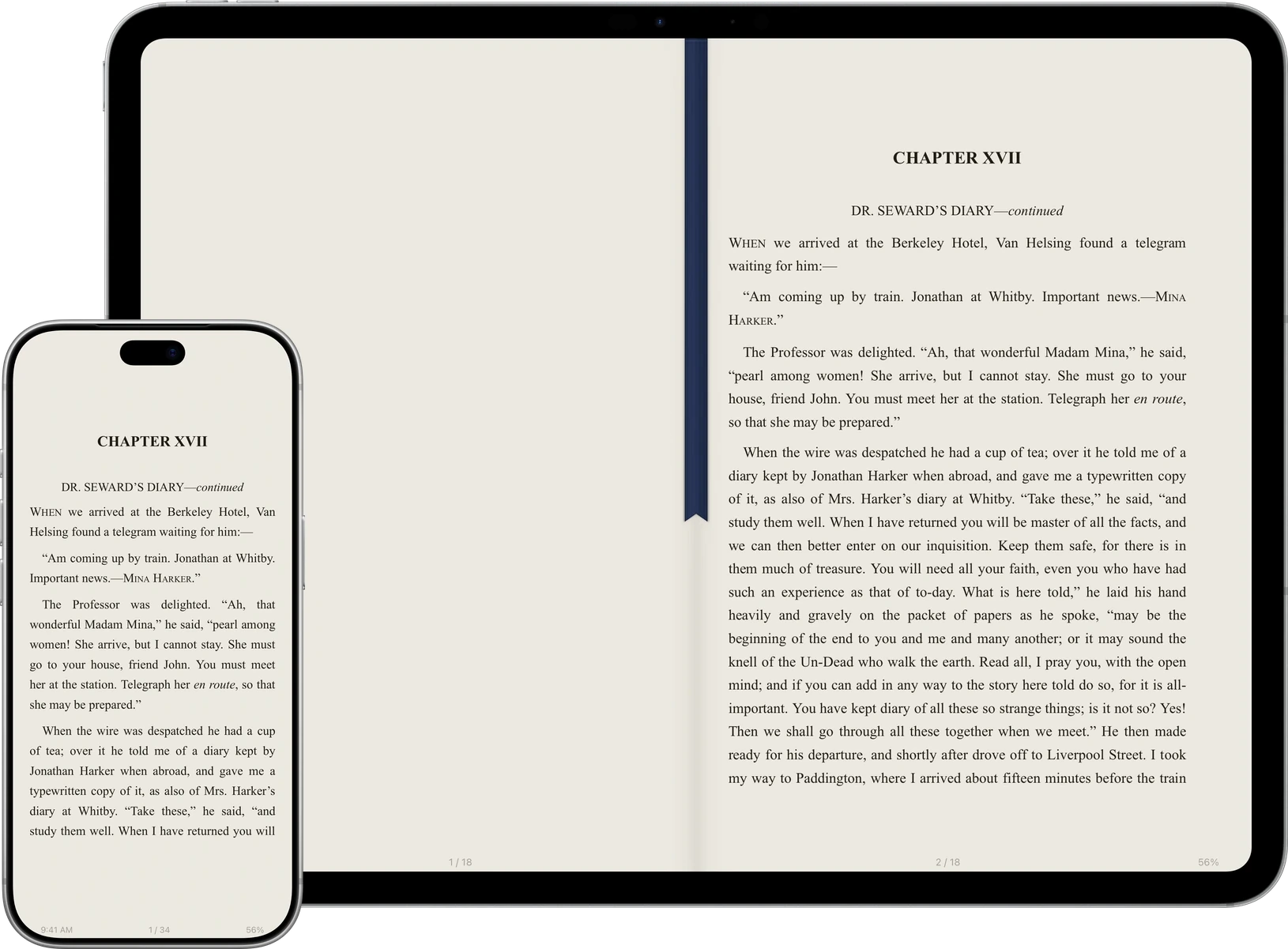
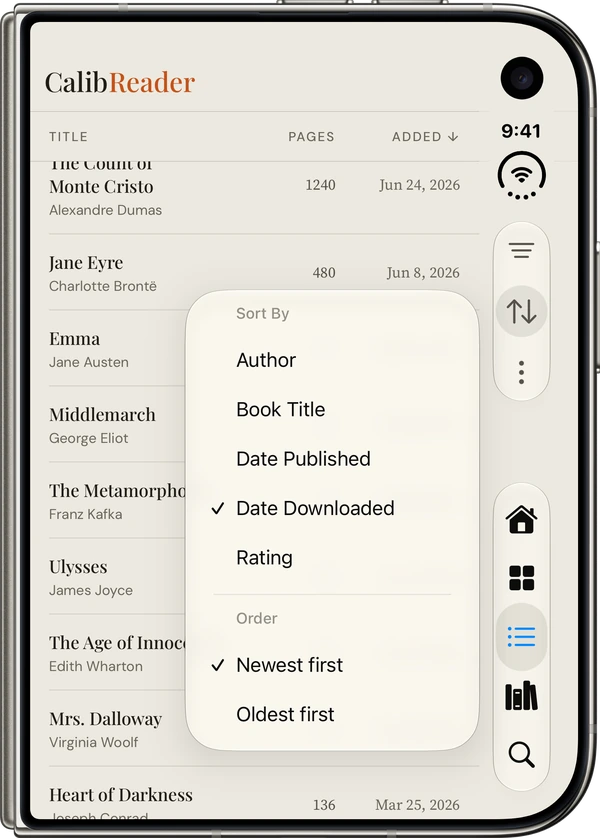
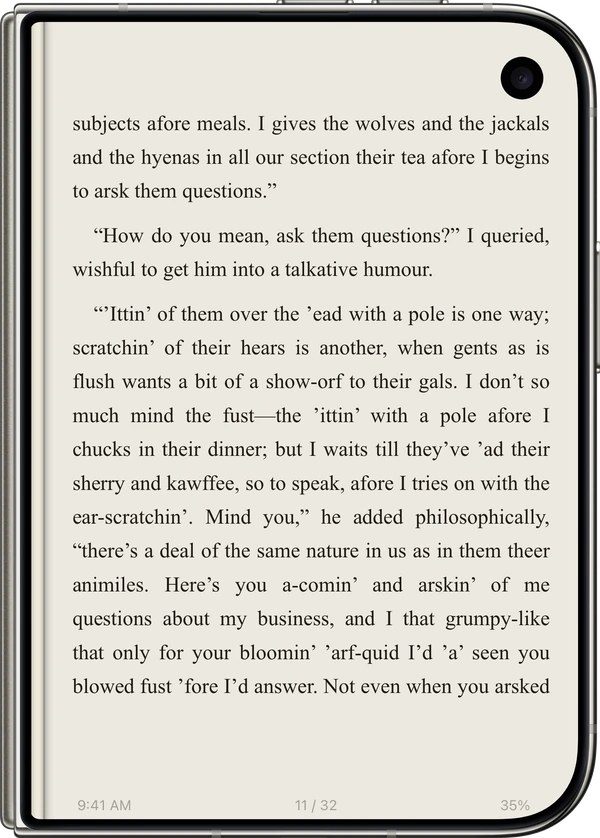
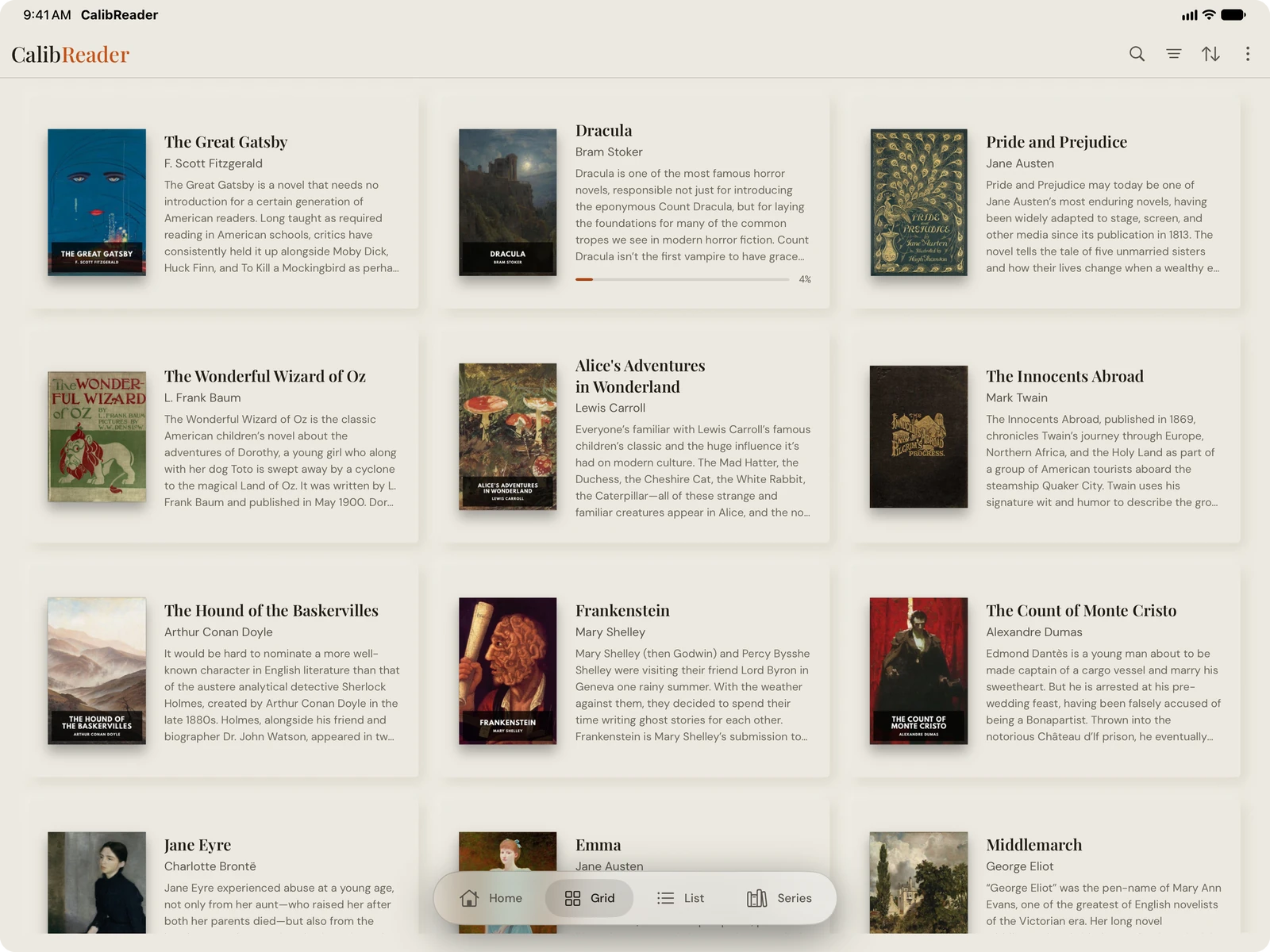
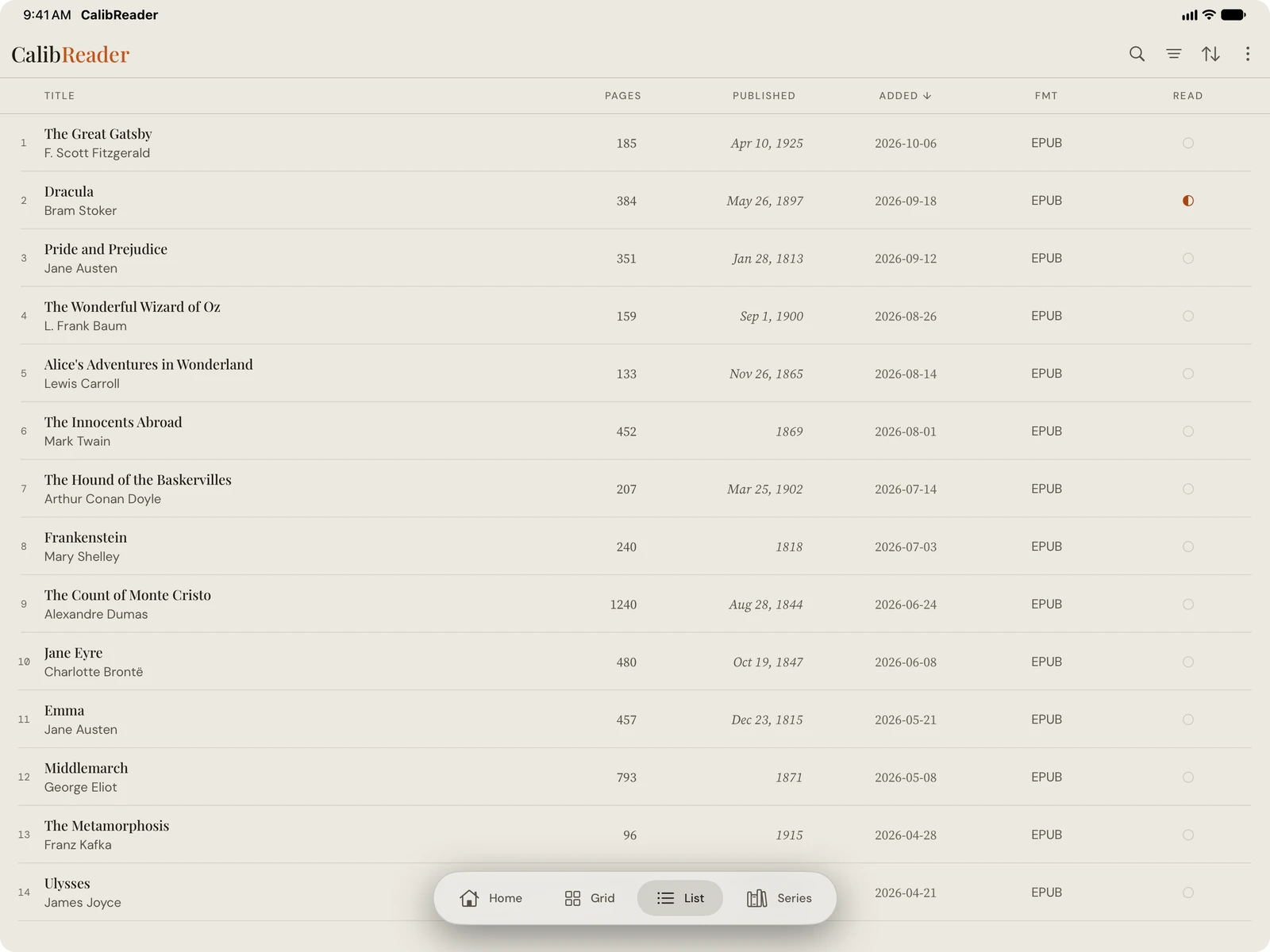
The EPUB & PDF reader that gives you a more book-like reading experience on iPhone, iPad and iPhone Duo.
Designed for the iPhone Duo.
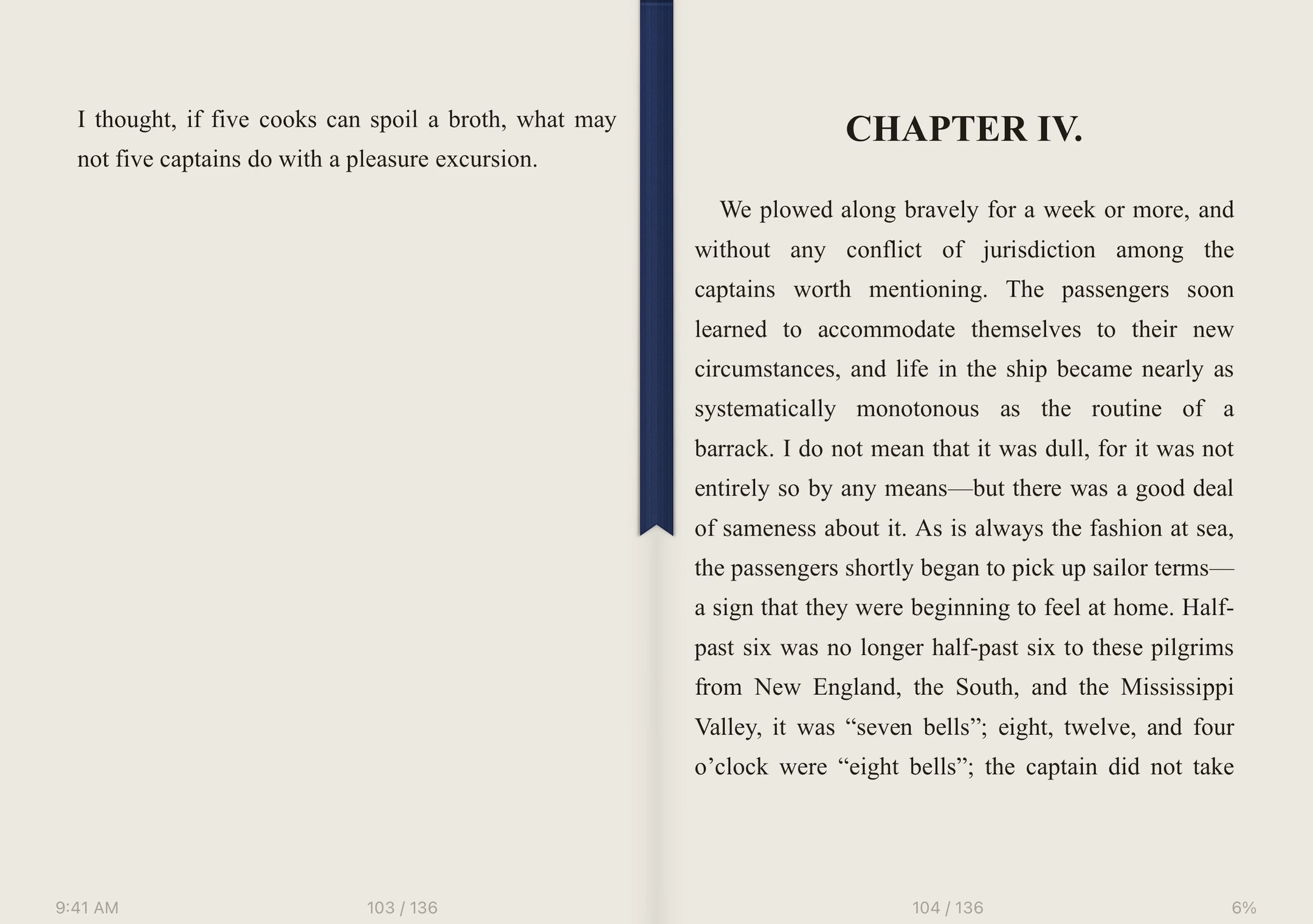
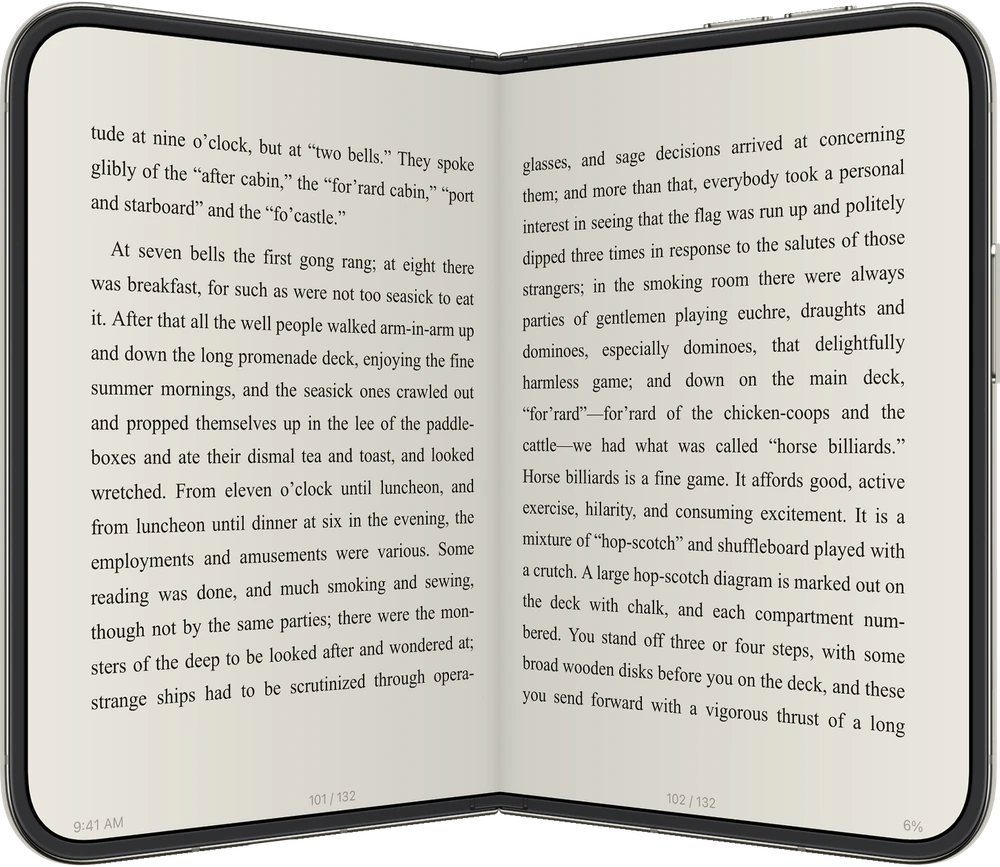
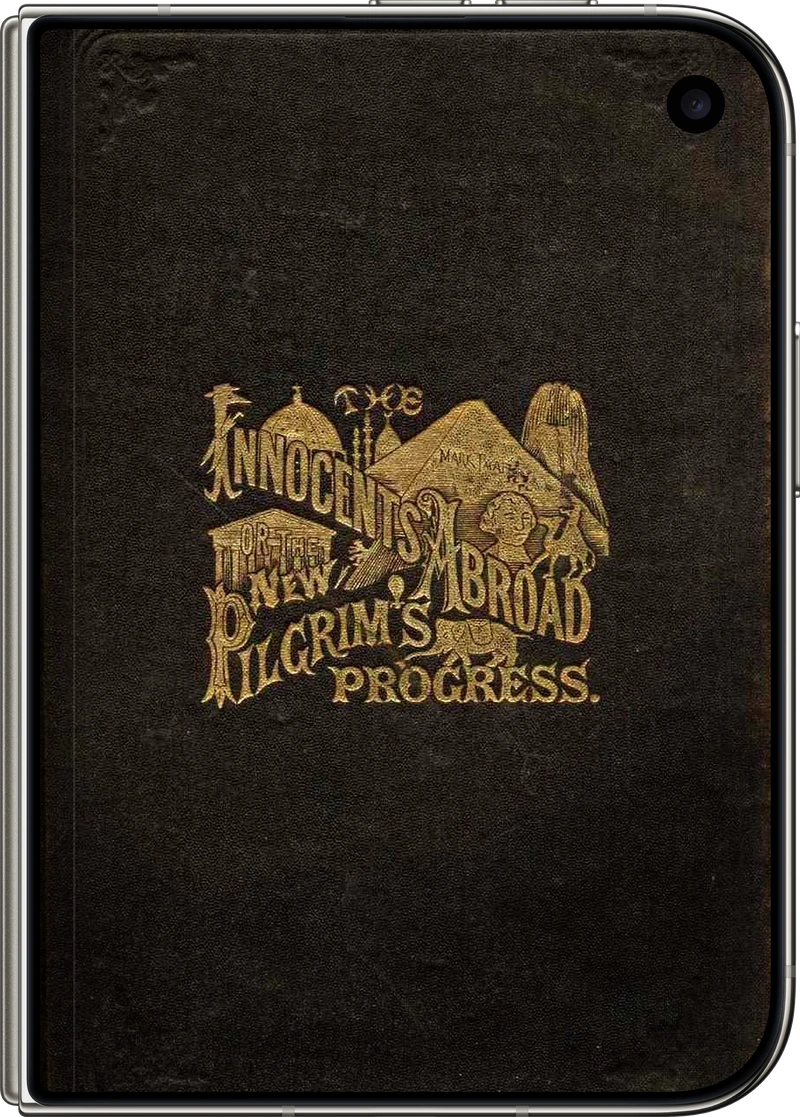
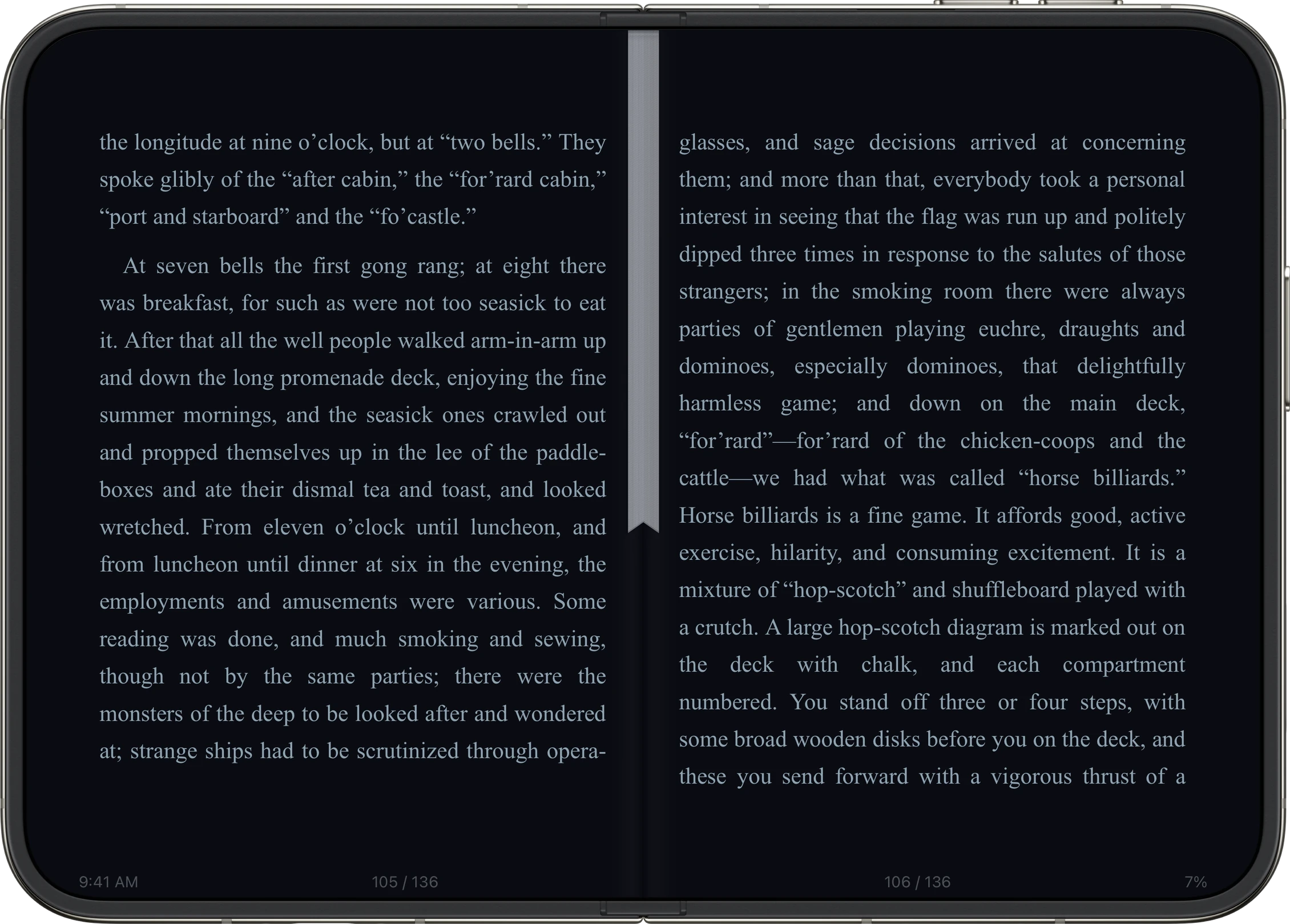
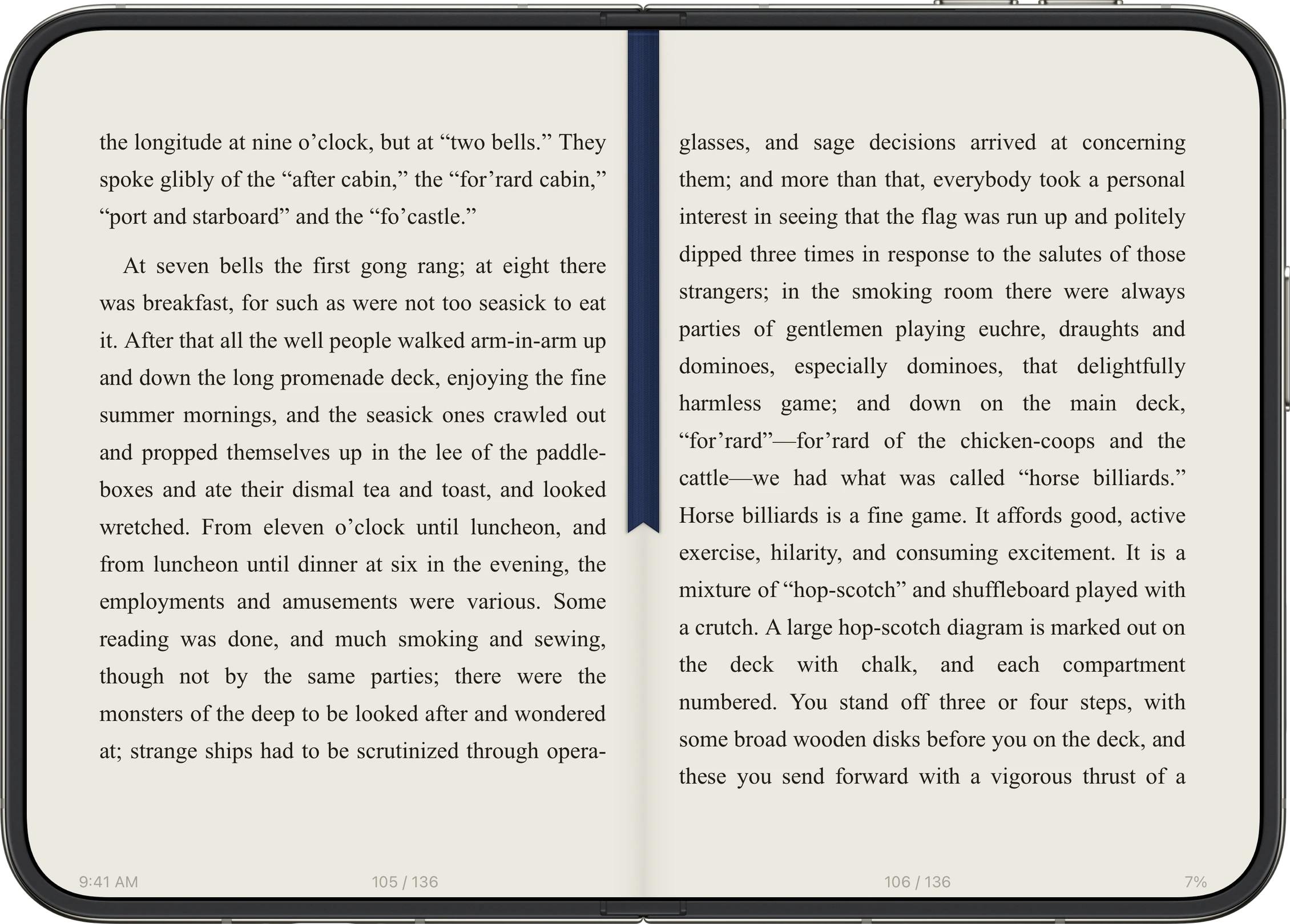
Two-page spreads, satisfying page turns, and book cover art when you close.
Designed for calibre users.
Import and sync your entire calibre library. Series, tags, ratings and reading positions are synced with your desktop.

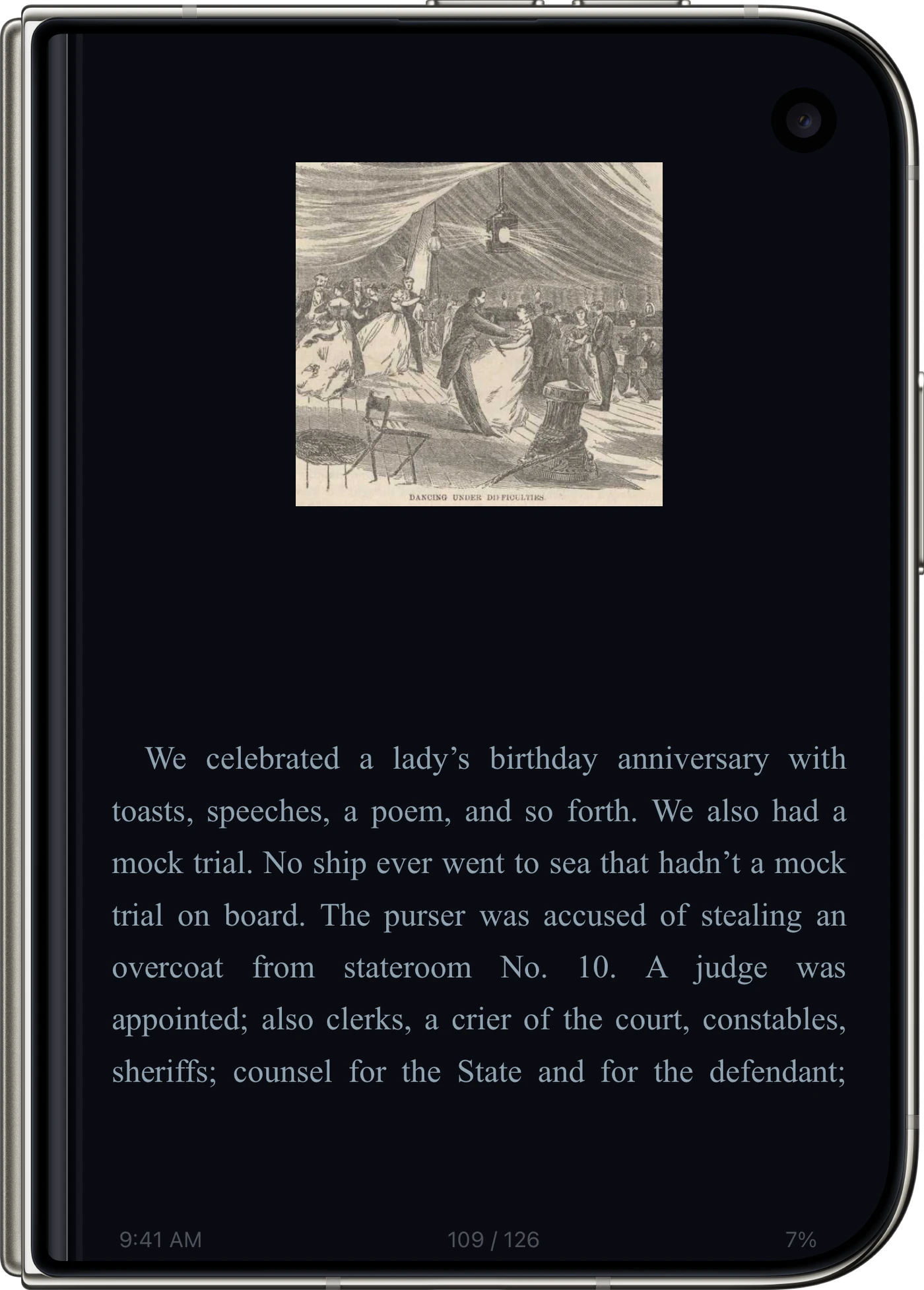
Open iPhone Duo and your book becomes a two-page spread, with real page curls.

The cover screen shows your book's cover, leather-bound with the title in gold, or the original art.
Tap the cover to keep reading, one page at a time. Open it again and you're on the same page.
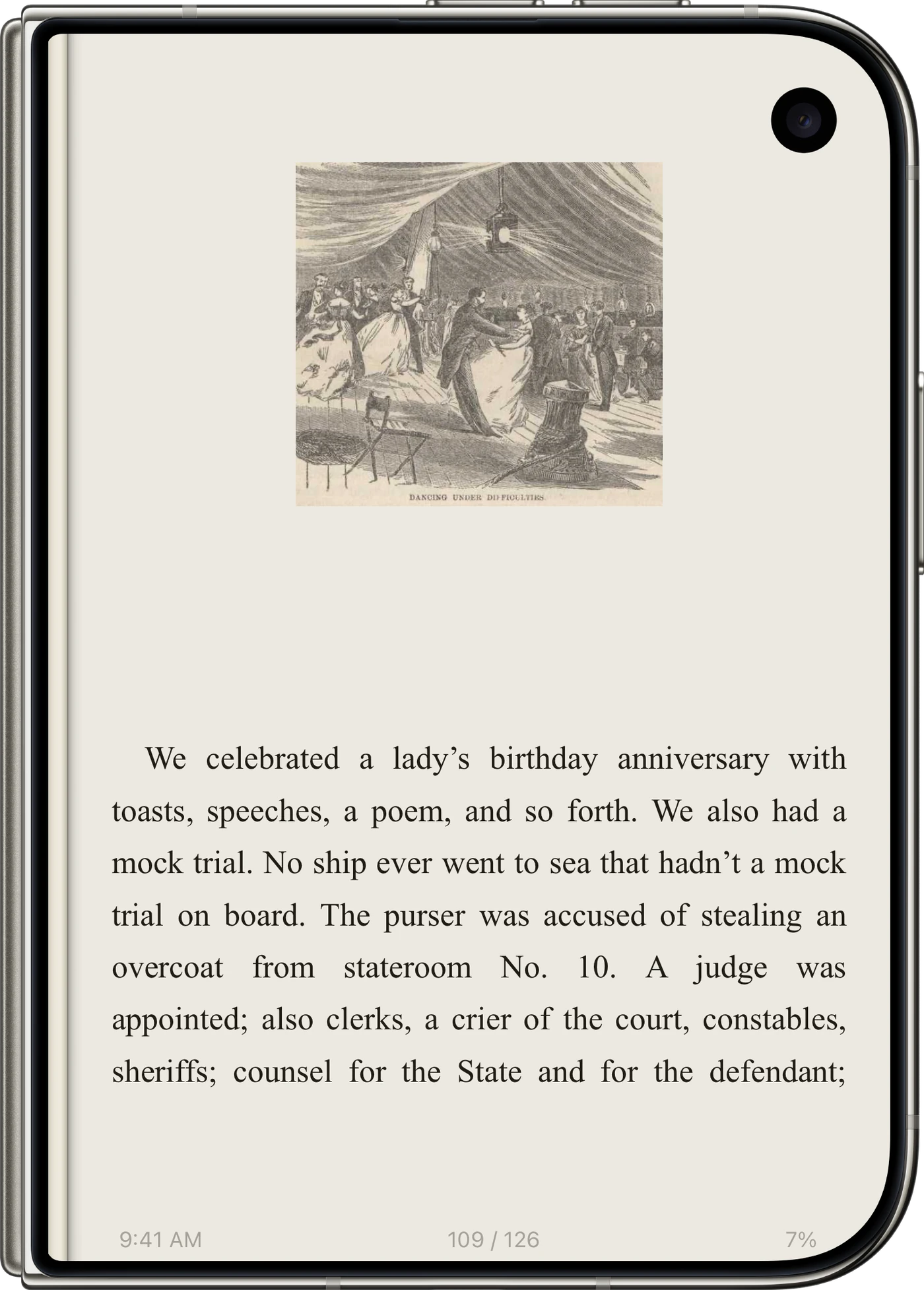
Enjoy distraction-free reading with a clean, simple and beautiful reader app.
Every detail is yours to set: fonts, themes, spacing, margins, and page layouts.
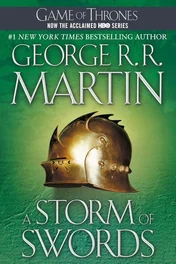
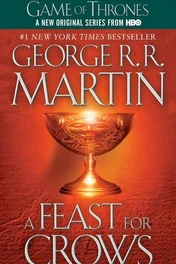
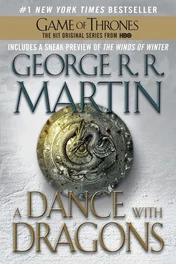
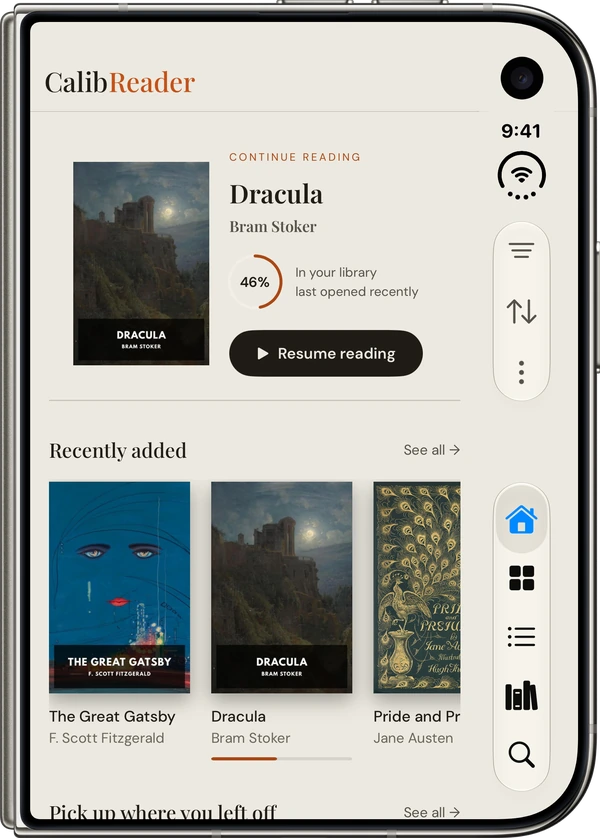
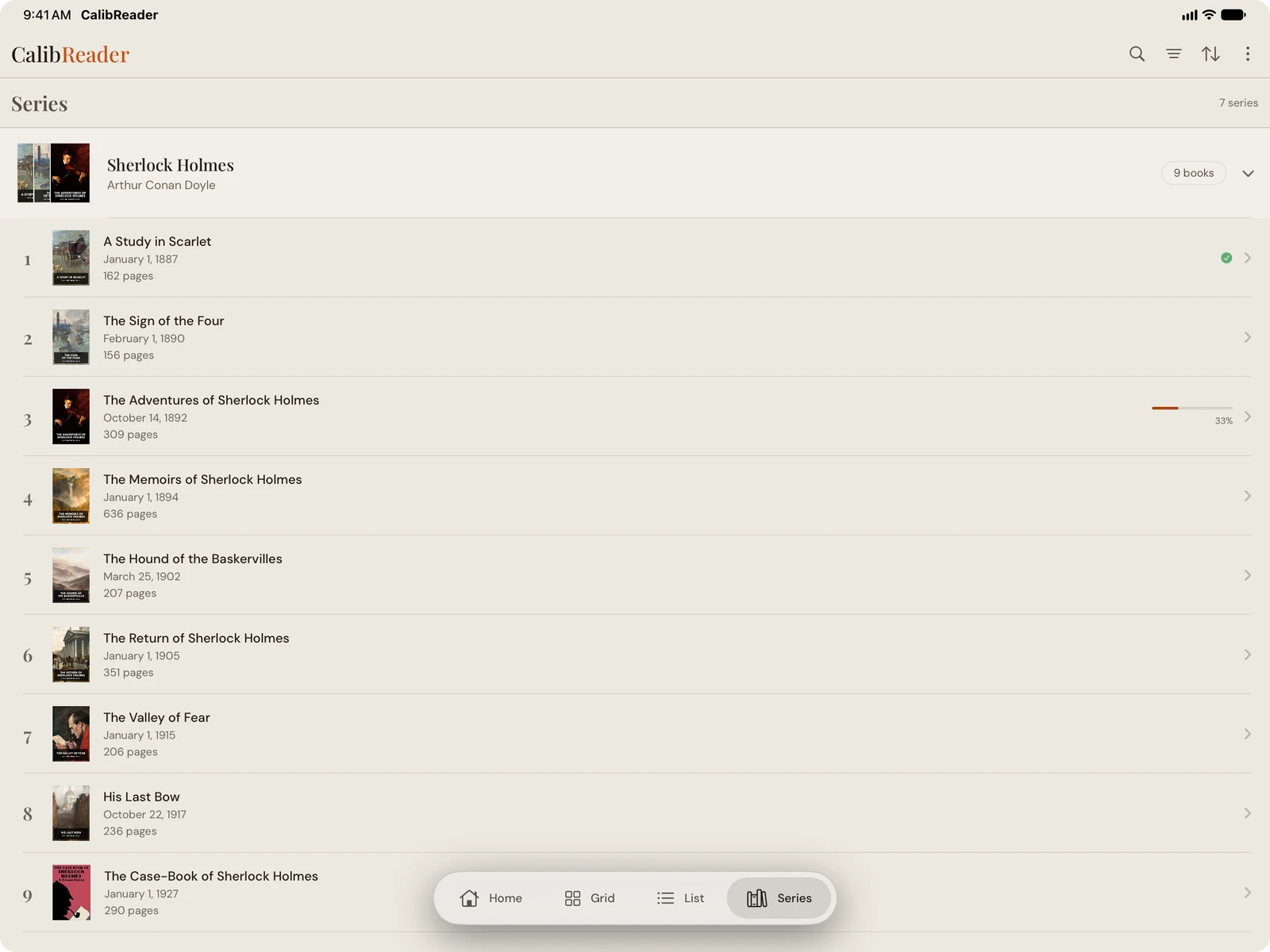
Dedicated series view shows all series in your library. Tap any series to see every book in order: no searching, no manual sorting, no confusion about what comes next.
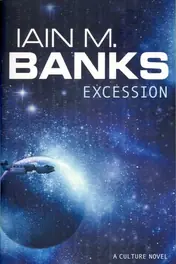
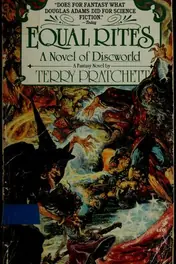
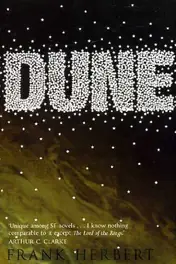
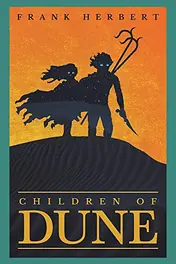
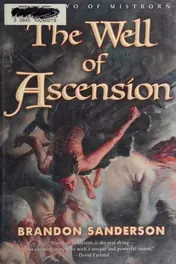
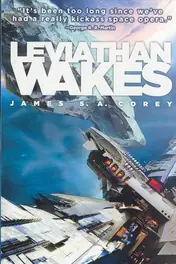
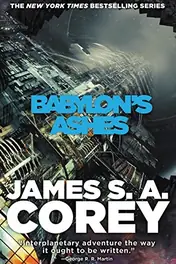
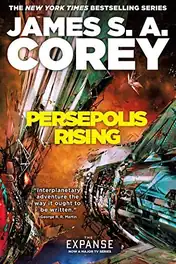
Each series shows its books in order with their covers, and how many of them are in your library. Exactly what you'd expect, done right.
You've spent years curating your library: tagging, rating, organising series, building the perfect collection. Most mobile readers treat that work as invisible. CalibReader reads your Calibre library as you built it: series in order, tags and ratings intact, metadata all there. Coming in a later update: your own custom columns, and ratings you set in the app synced back to calibre.
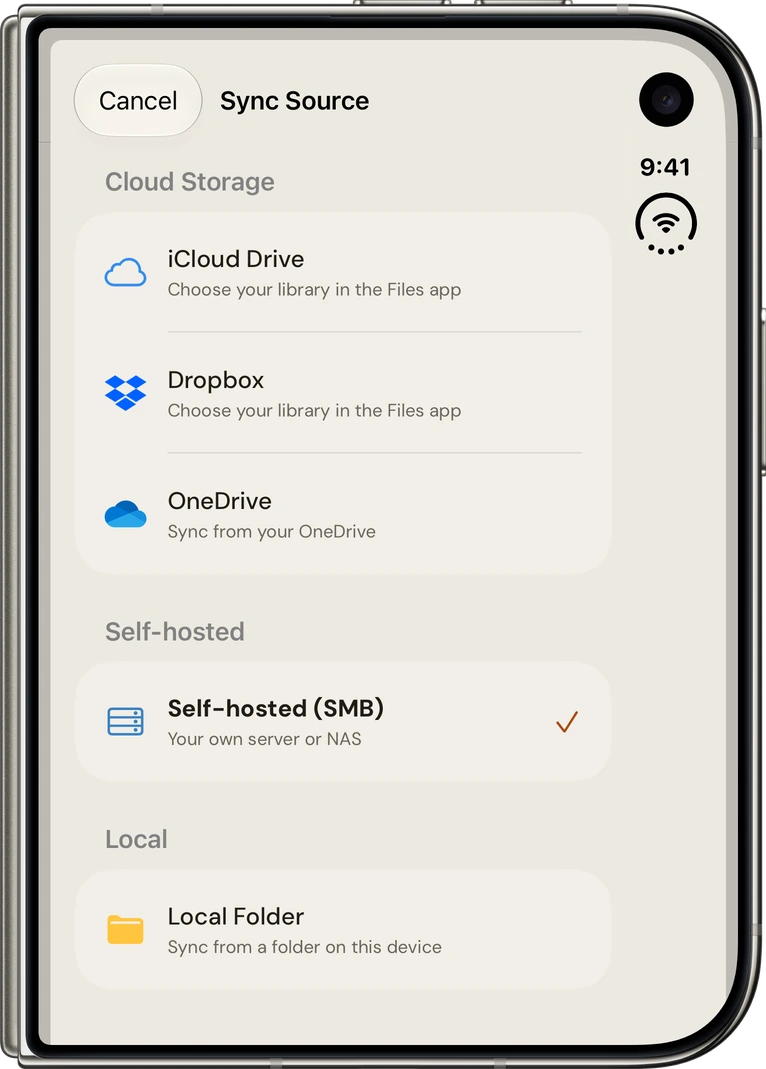
No content server to run: CalibReader reads your library folder straight from iCloud Drive, Dropbox, OneDrive or your own NAS over SMB, so your computer can stay off.
No accounts. No proprietary cloud. No analytics. CalibReader simply reads the books you bring, from wherever you keep them.
Finish a book on your phone and calibre marks it read. Mark a book read in calibre and your phone follows. Requires the free CalibReader Sync plugin. What goes which way →
Delta sync means even libraries of thousands of books stay current in seconds, not minutes. Add a book in Calibre on your desktop, pick it up on your device moments later.
Tested with 40,000-book libraries. Your books appear first and the covers fill in while you browse.
Keep every book on your device to read anywhere, or keep just the catalogue and covers and download a book when you open it.
See series, series index, tags, rating, publisher and the synopsis for every book.
Have a massive calibre library?CalibReader reads it straight from where it already lives: Dropbox, OneDrive, iCloud, Google Drive†, a folder on your device, or your own server.
Series, tags, ratings and genres come with it, and it stays current as your library grows.
Have only a few EPUBs?Book files open straight from Files, Mail, AirDrop, Dropbox or OneDrive. Tap one and start reading.
†Google Drive is Android-only.

Start reading on your phone now. Switch to your iPad later, and your book opens to the exact place you left off. Your reading position is kept, every time you open the book.
Filter by read status, author, genre, series, tag, language, and format, all at once. Stack them to answer a real question in seconds: which space operas haven't I read yet, oldest first? Unread, plus Sci-Fi, plus the Space Opera tag, sorted by date published.
Bring in your whole library.
Read any 3 books in full. No card required.
One-time purchase. Keep it forever.
No subscription.
CalibReader is out now on iPhone, iPad and iPhone Duo, on the App Store. Leave your email and we'll send you one message the day it comes to Android.
Yes. No accounts. No proprietary cloud. No analytics. Your books and your reading never pass through a server of ours.
Drop your calibre library folder in iCloud Drive, Dropbox or OneDrive, or on your own NAS. Point CalibReader at that folder. Done. No server, no always-on computer, zero setup.
A book counts once you’ve read it for about 30 seconds, so checking a book’s formatting doesn’t use one up. Re-reading is always free, and importing, syncing and browsing your library are never limited.
Yes, or on your own NAS, or in a folder on your device. CalibReader reads your calibre library straight from the folder and never writes to calibre’s database. About calibre’s warning on cloud folders →