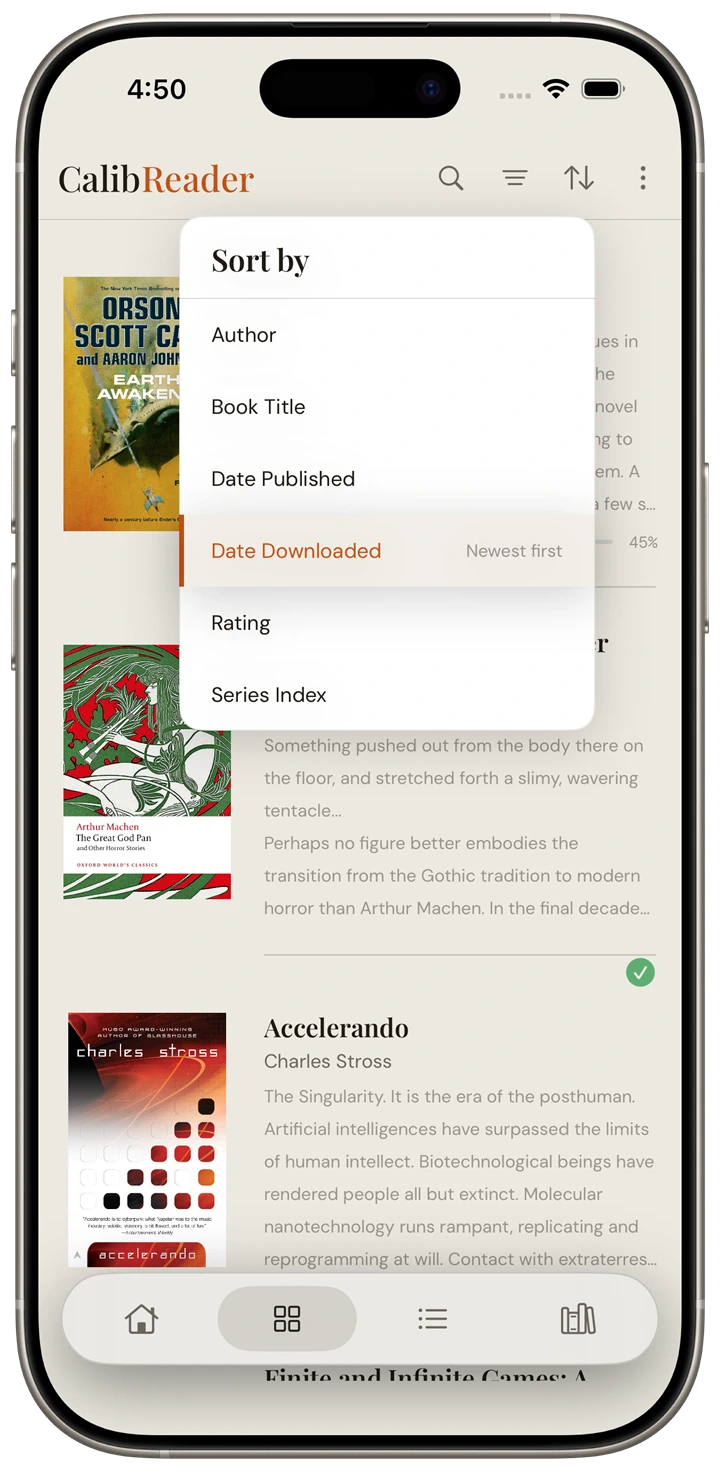
Filters & sorting
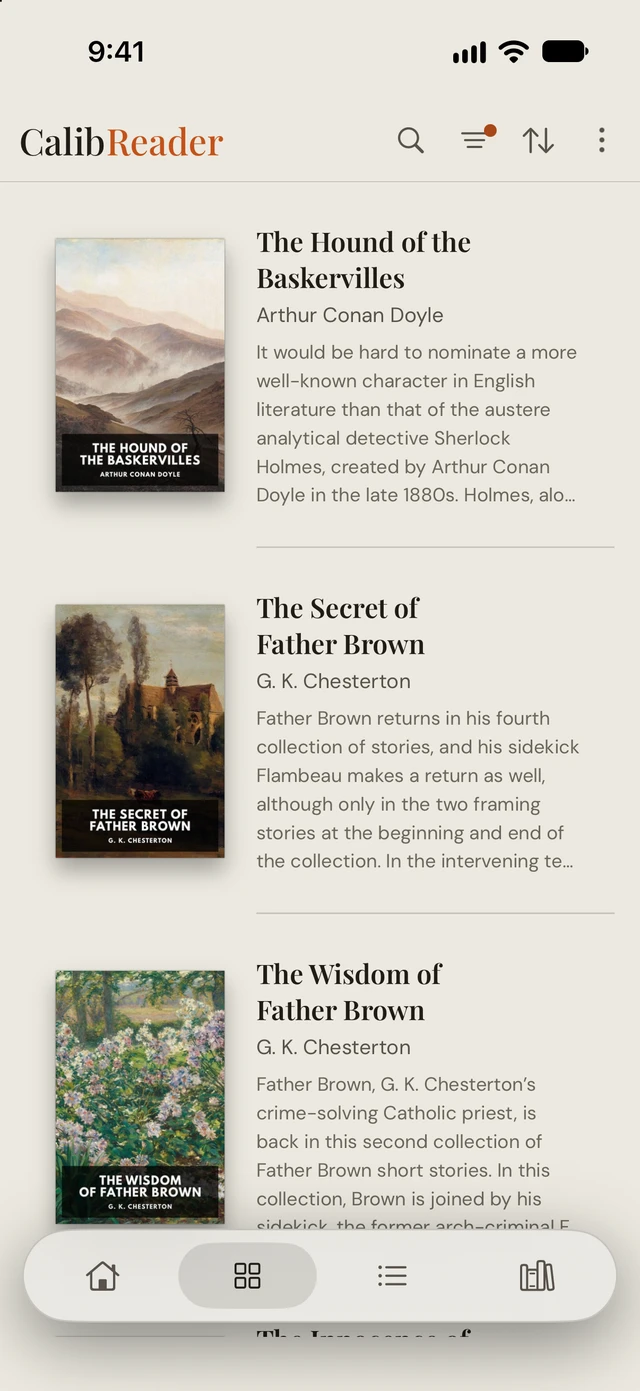
Narrow your library with filters, then order it however you like.
Filters
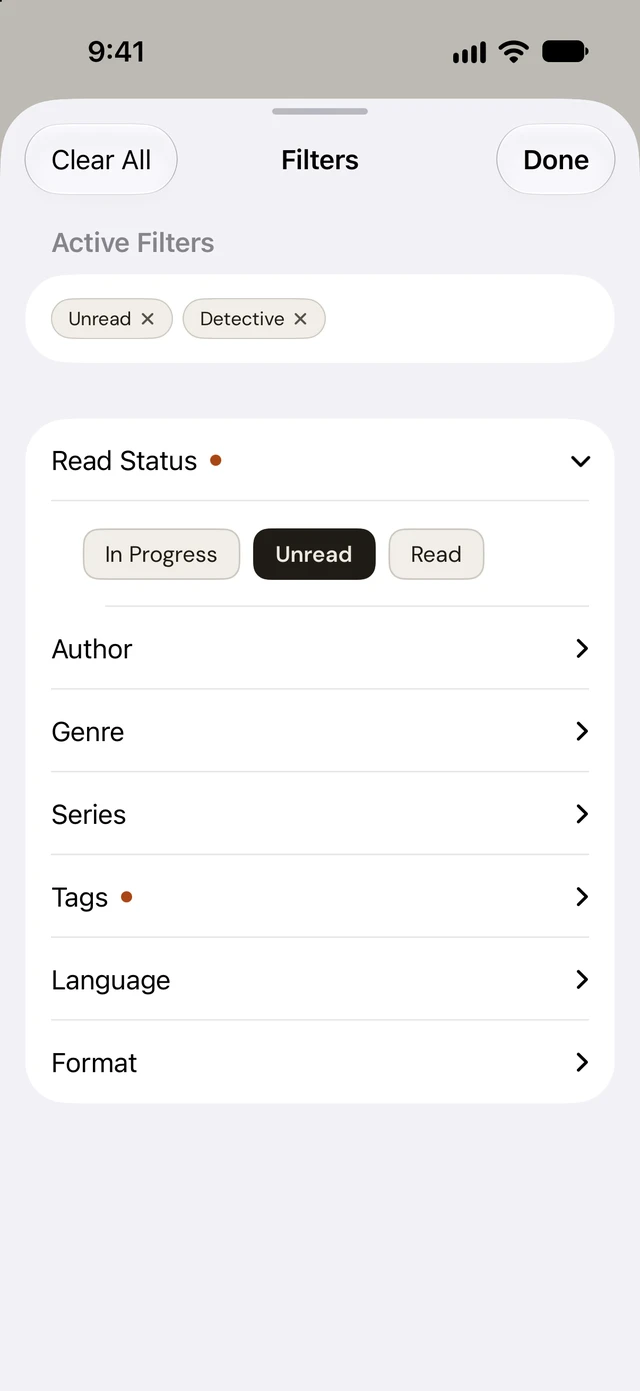
Filter by read status, author, genre, series, tag, language or format, and combine as many as you like.
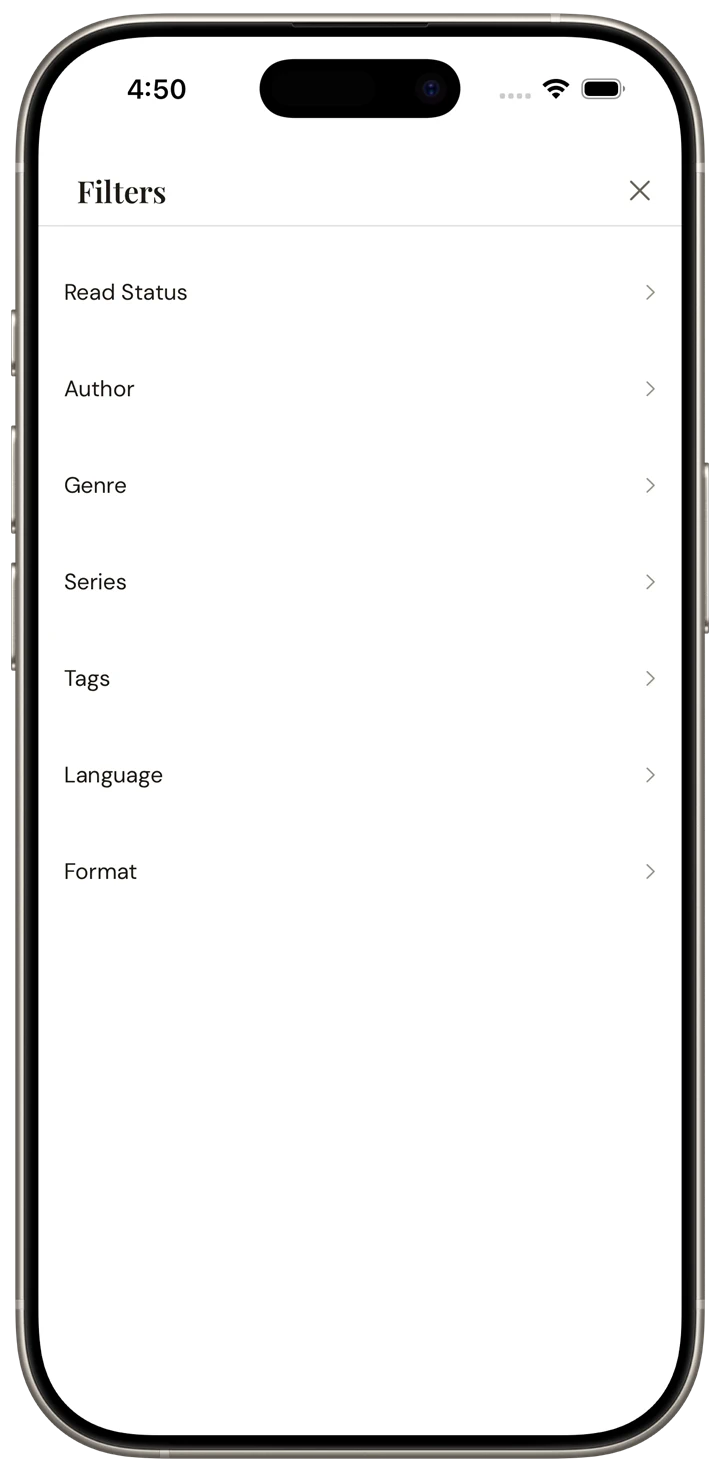
The Genre filter reads a genre custom column in calibre. Without one it shows None found in library; see Custom columns to add it.
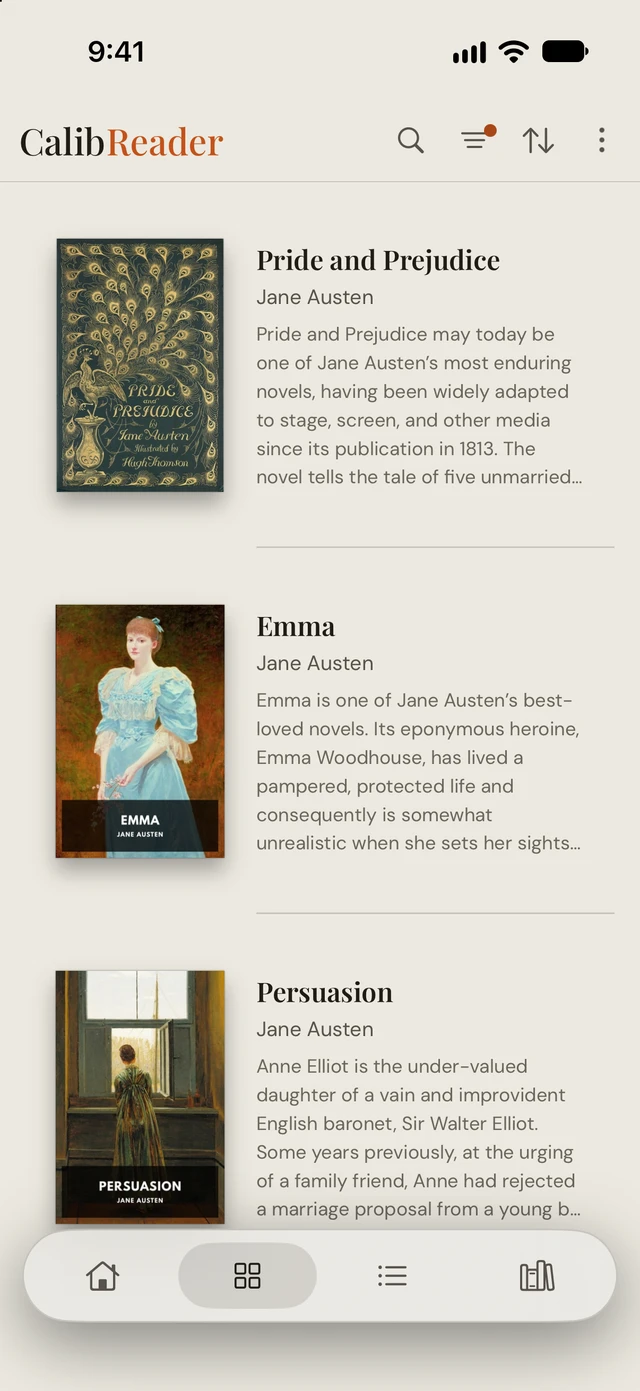
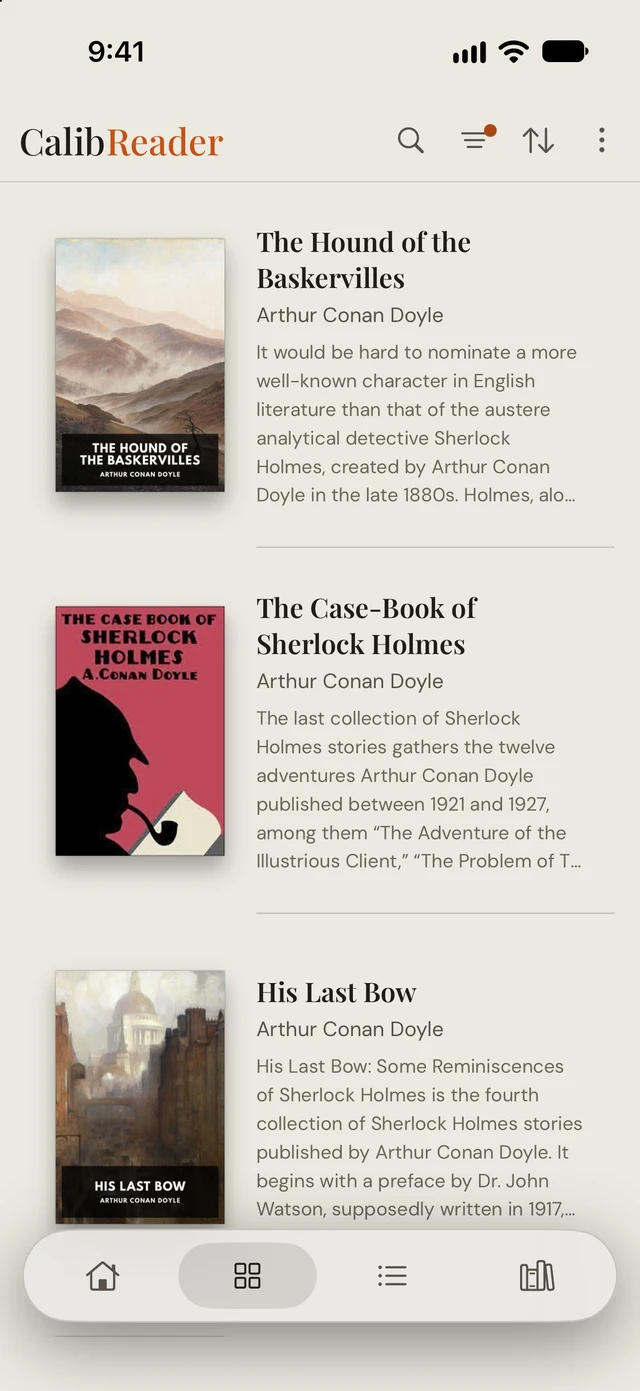
Sorting
Sort the whole library by any of these, ascending or descending:
- Author: A–Z or Z–A
- Title: A–Z or Z–A
- Date published: newest or oldest first
- Date downloaded: newest or oldest first (needs the date_downloaded column)
- Rating: highest or lowest first