Library views
Four ways to browse your library: Home, Grid, List, and Series, with a full dark mode.
Home
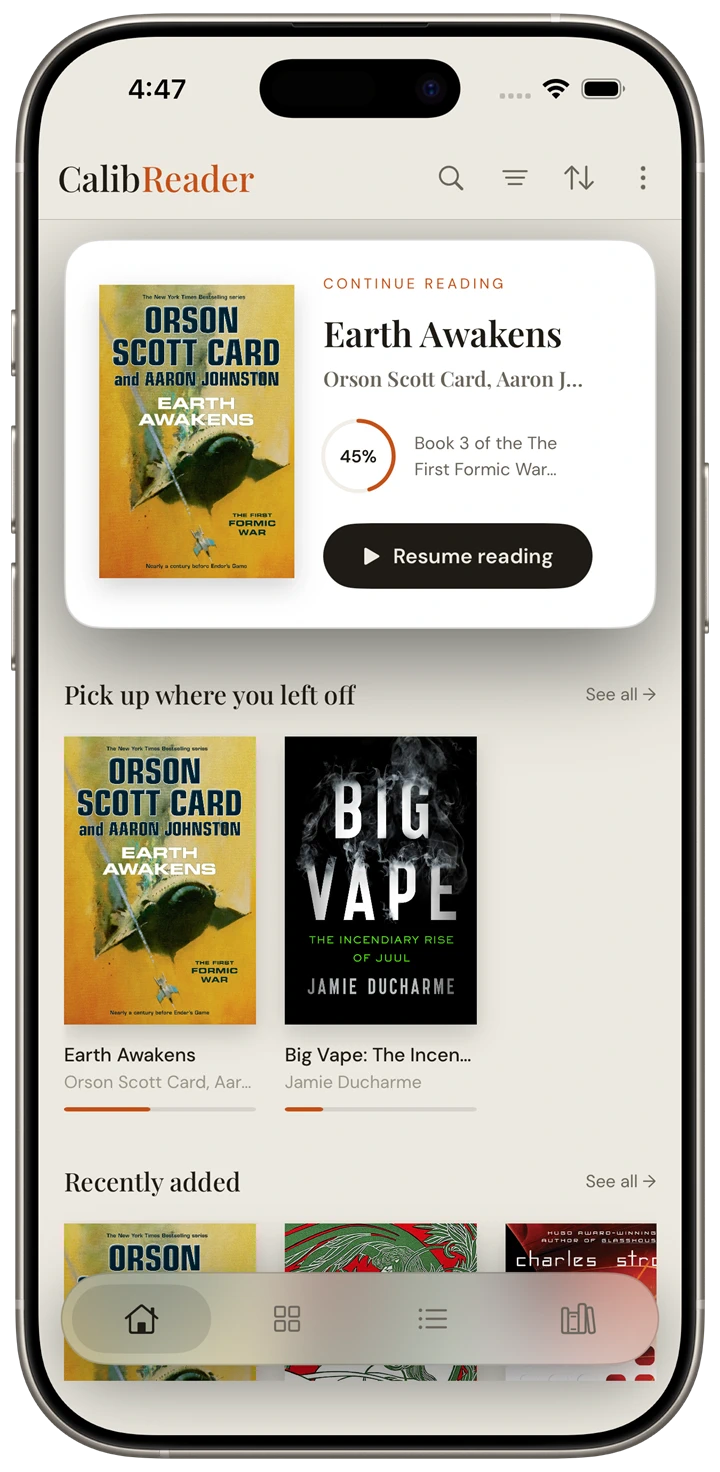
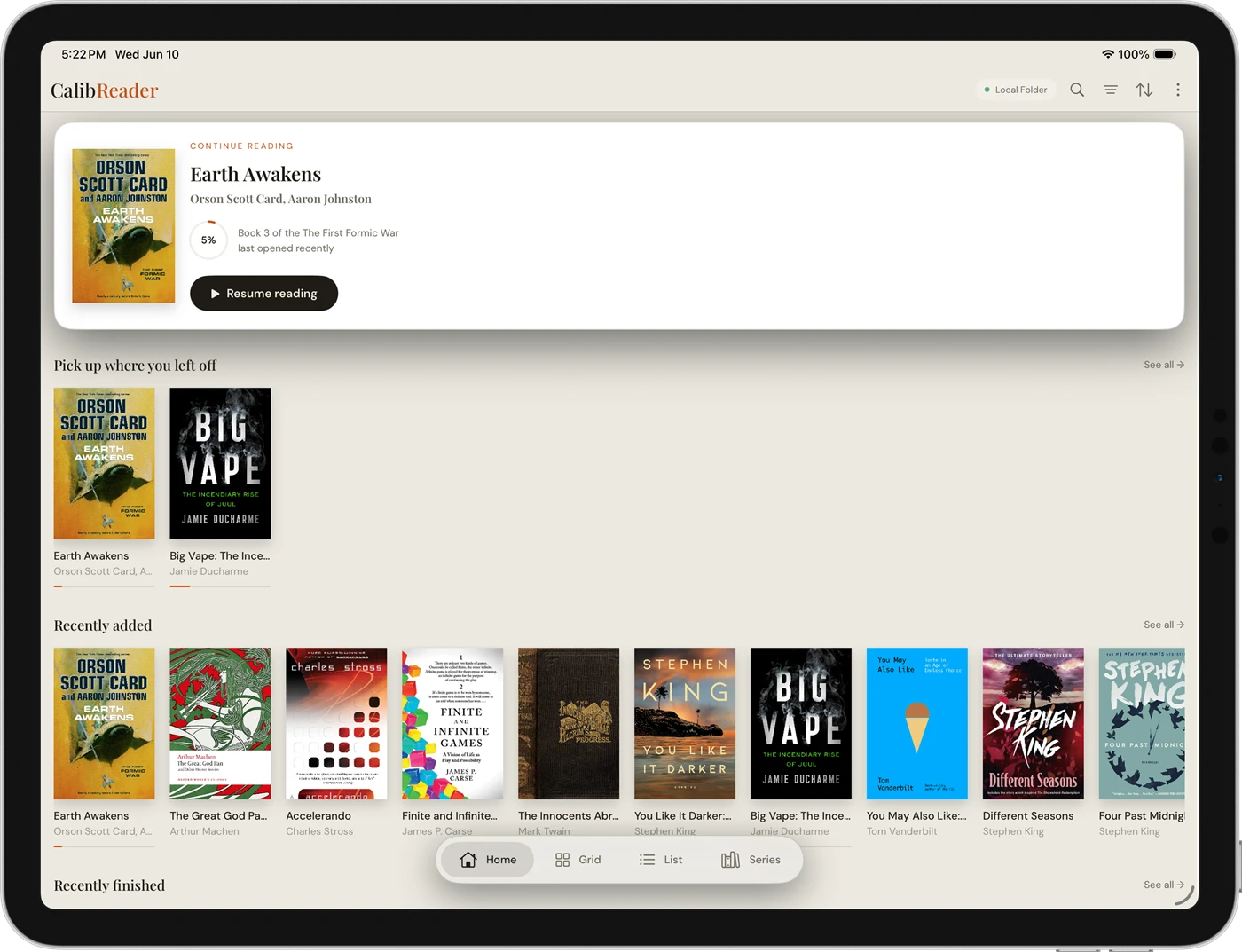
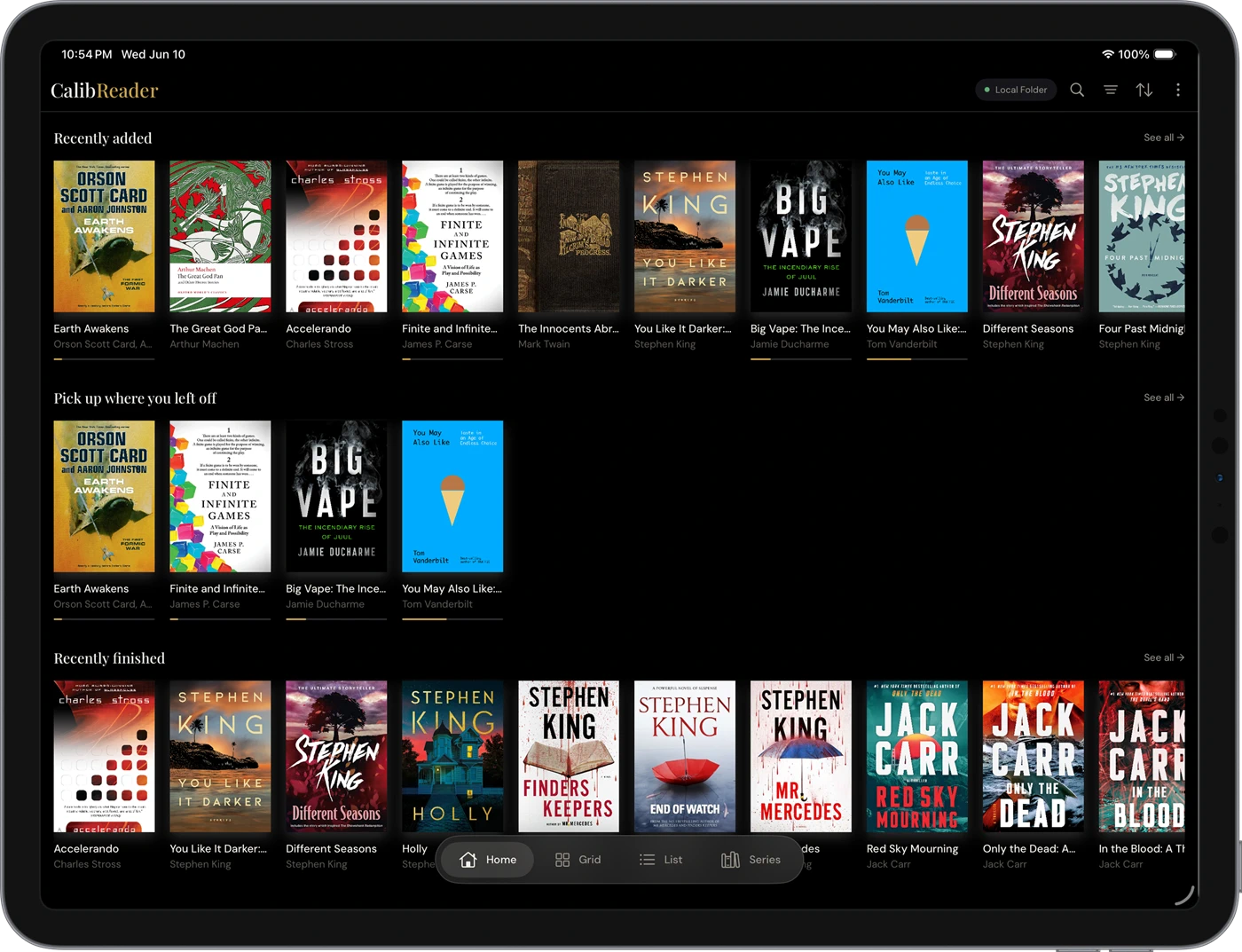
Home is your reading dashboard. Your most recently opened book sits at the top as a hero: cover and progress, one tap to resume. Below it, a Pick up where you left off ribbon appears when more than one book is in progress, followed by Recently added and Recently finished shelves.
Grid
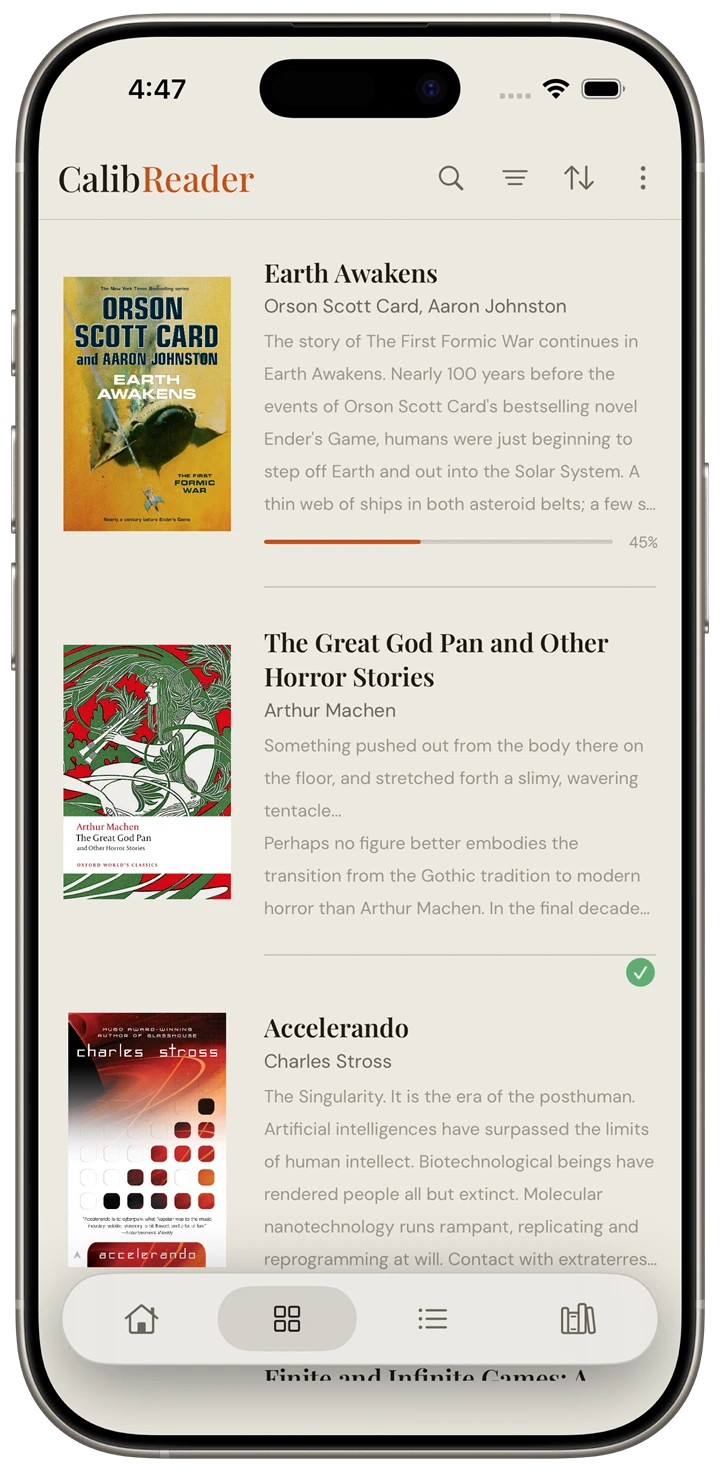
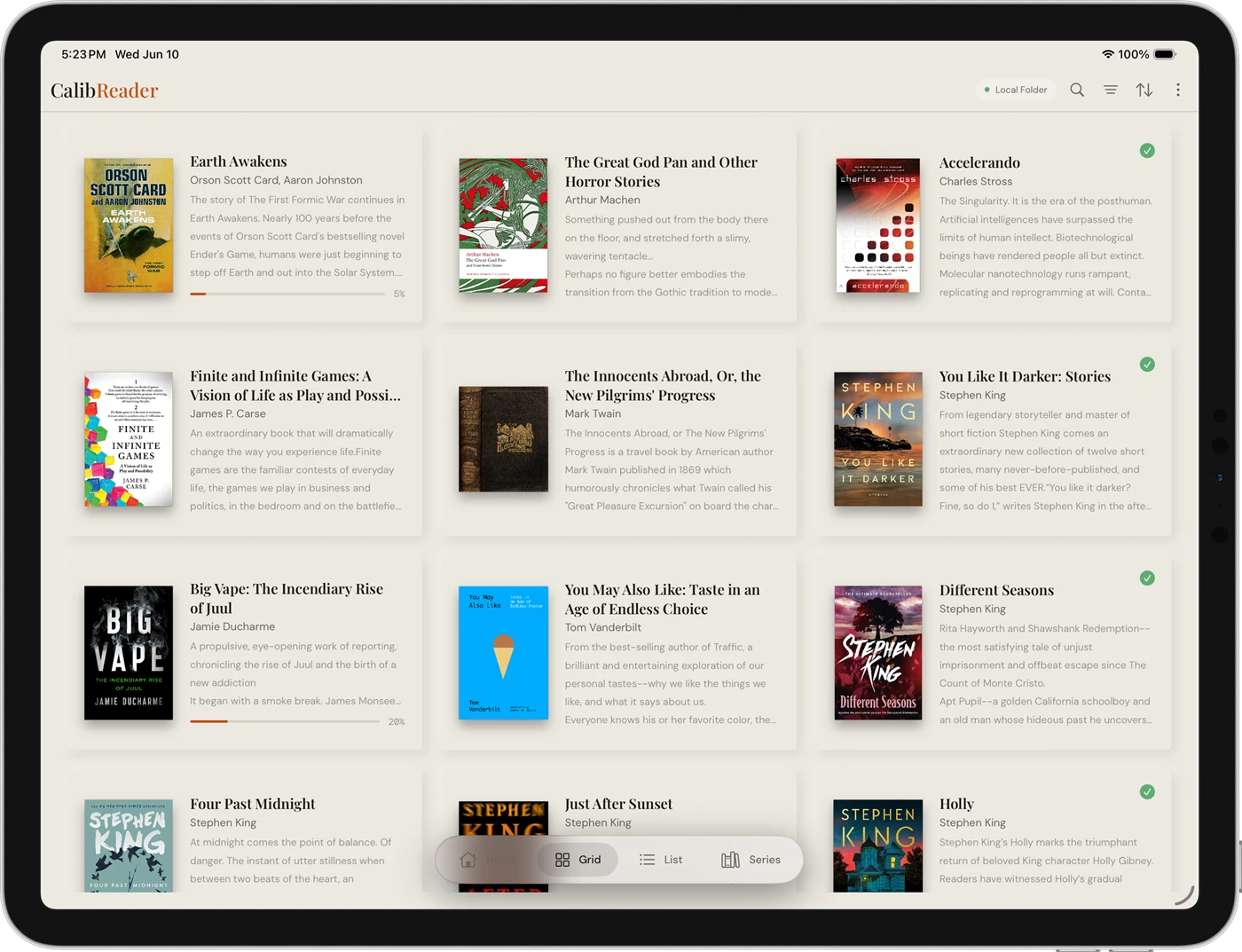
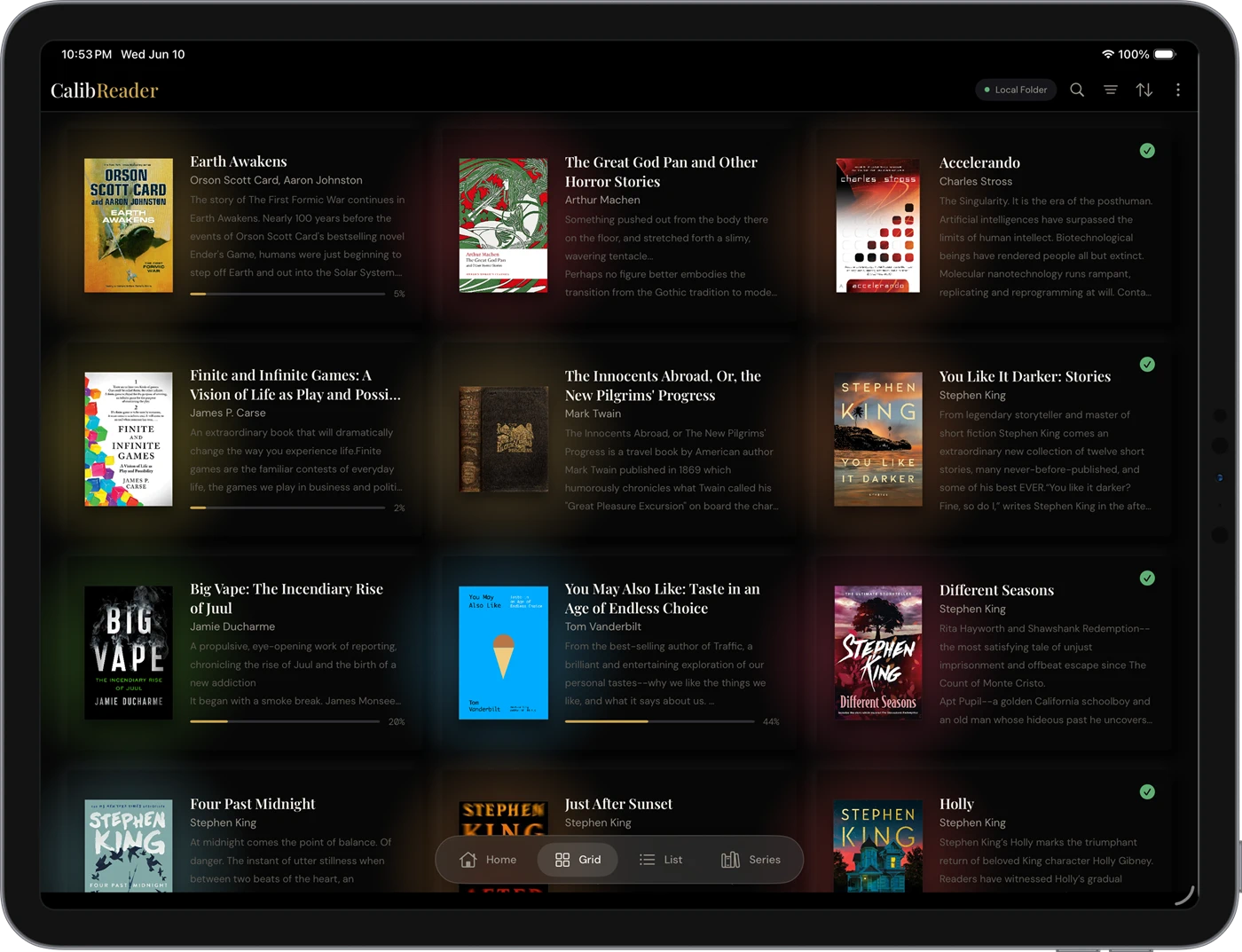
Browse your whole library as cover art with metadata: series, rating, tags, publisher, shown or hidden as you like.
List
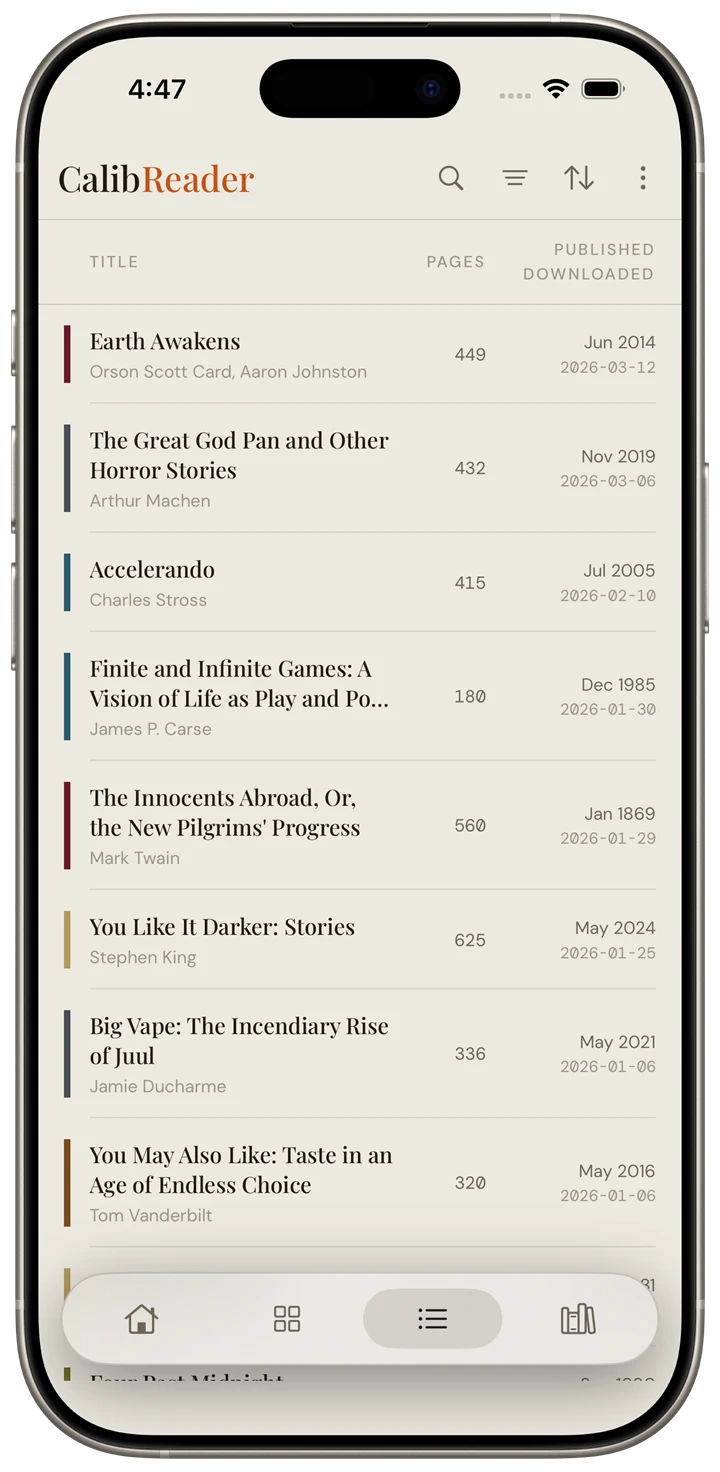
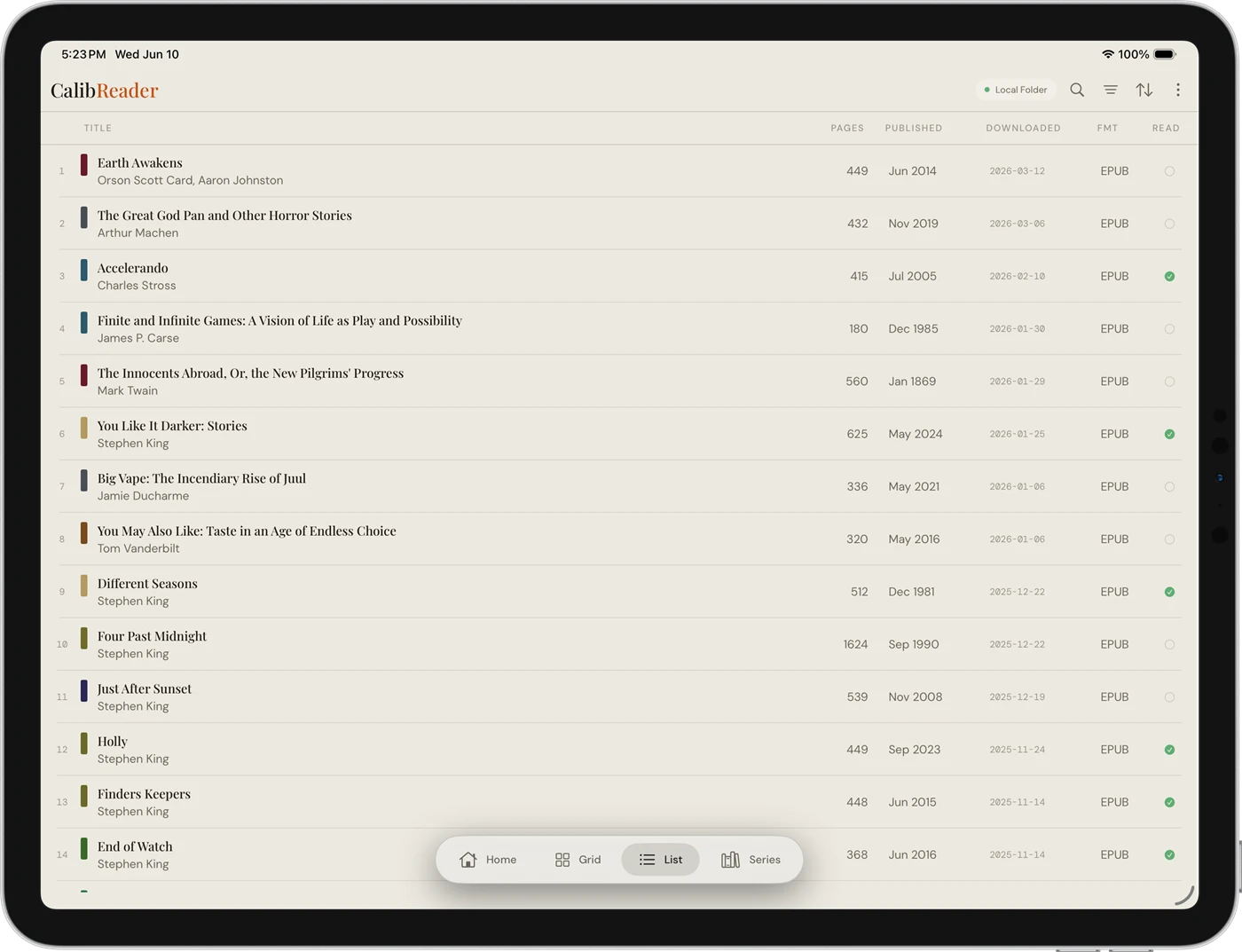
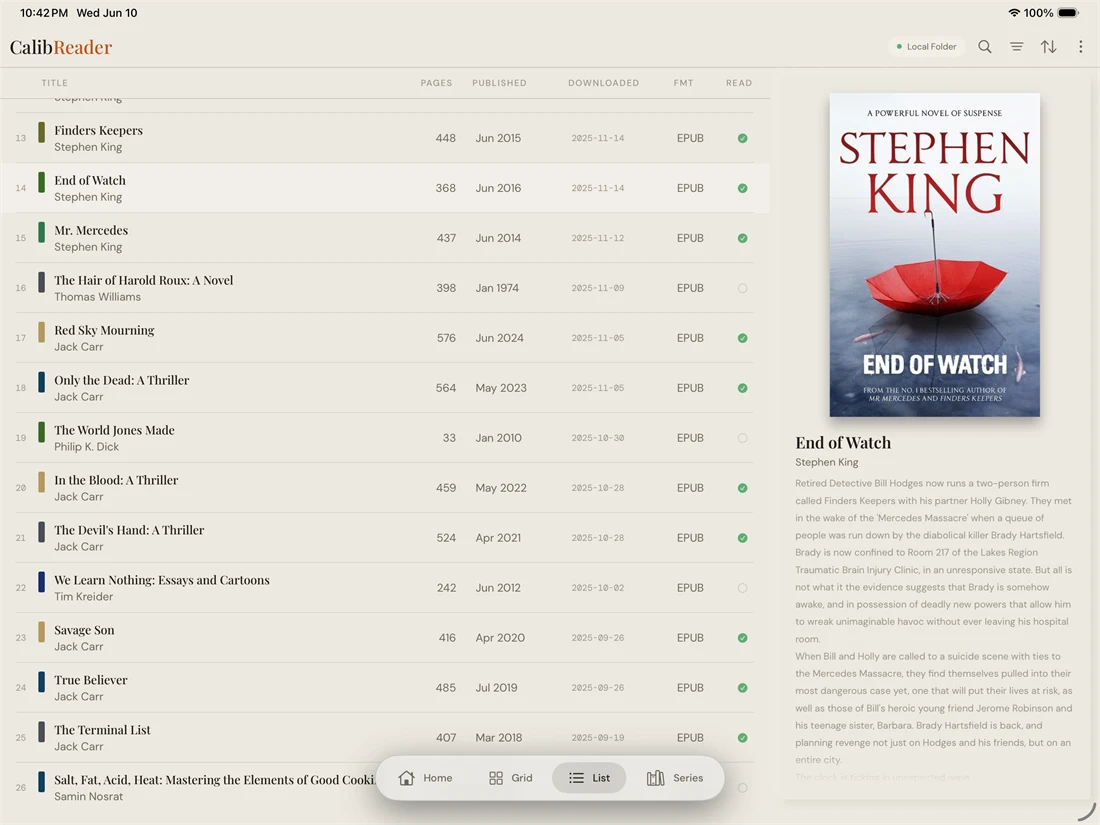
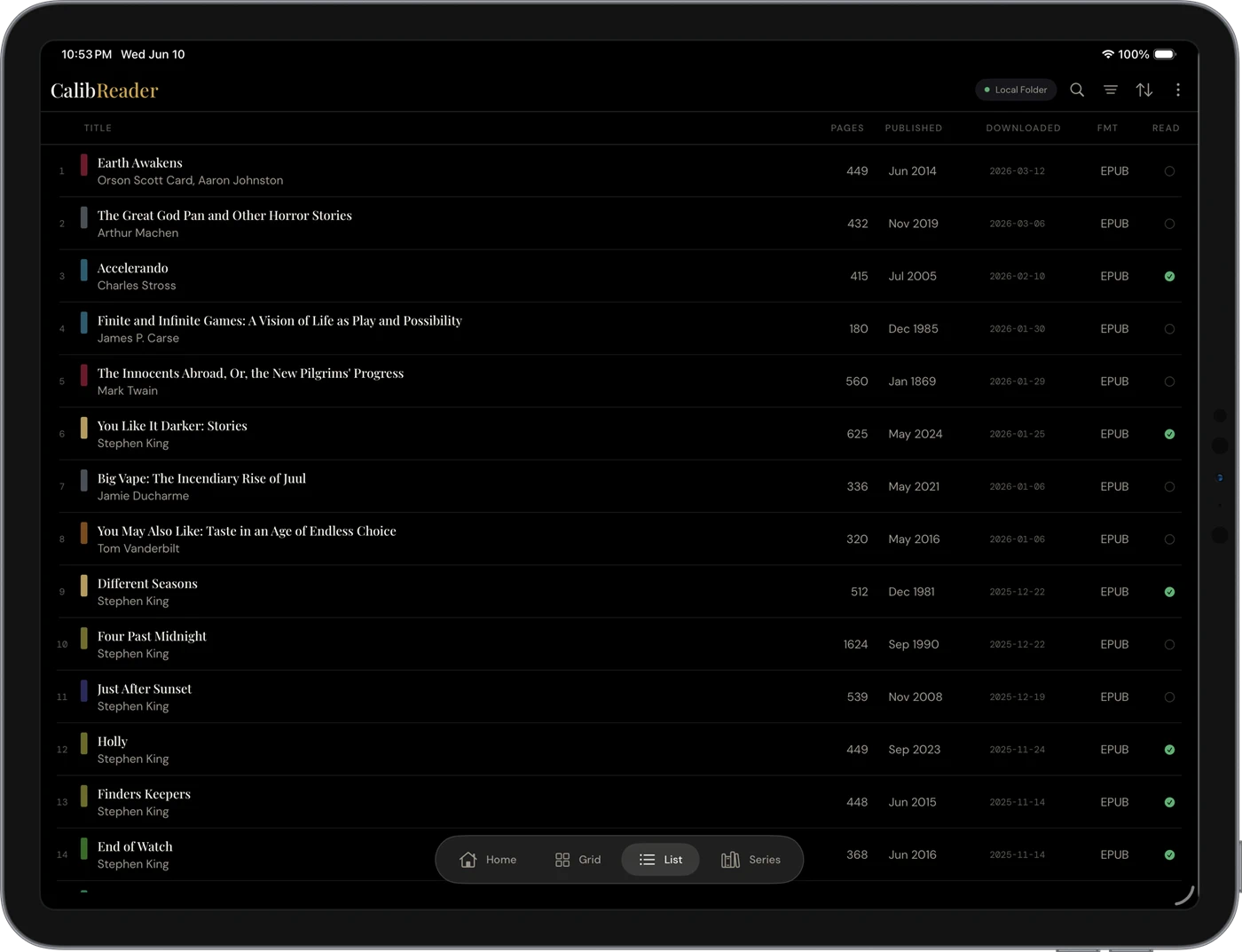
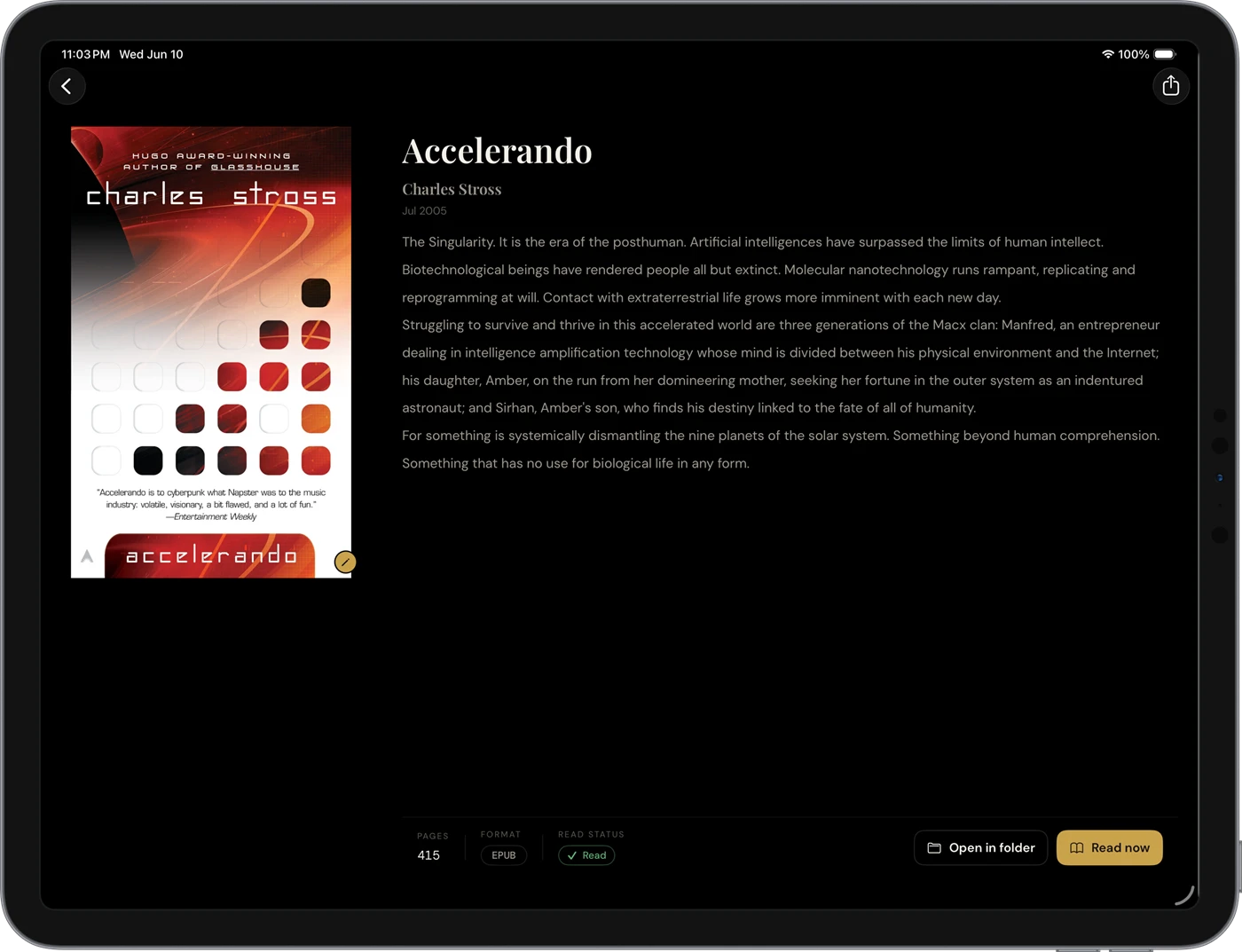
A compact, information-dense list (title, author, pages, dates, format, and read status), fast to scan and sort. On a tablet in landscape it looks much like the Calibre desktop app itself, right on your tablet: a detail panel toggles open beside the list so you can browse a book and read its details side by side. (On phones the list spans the full width.)
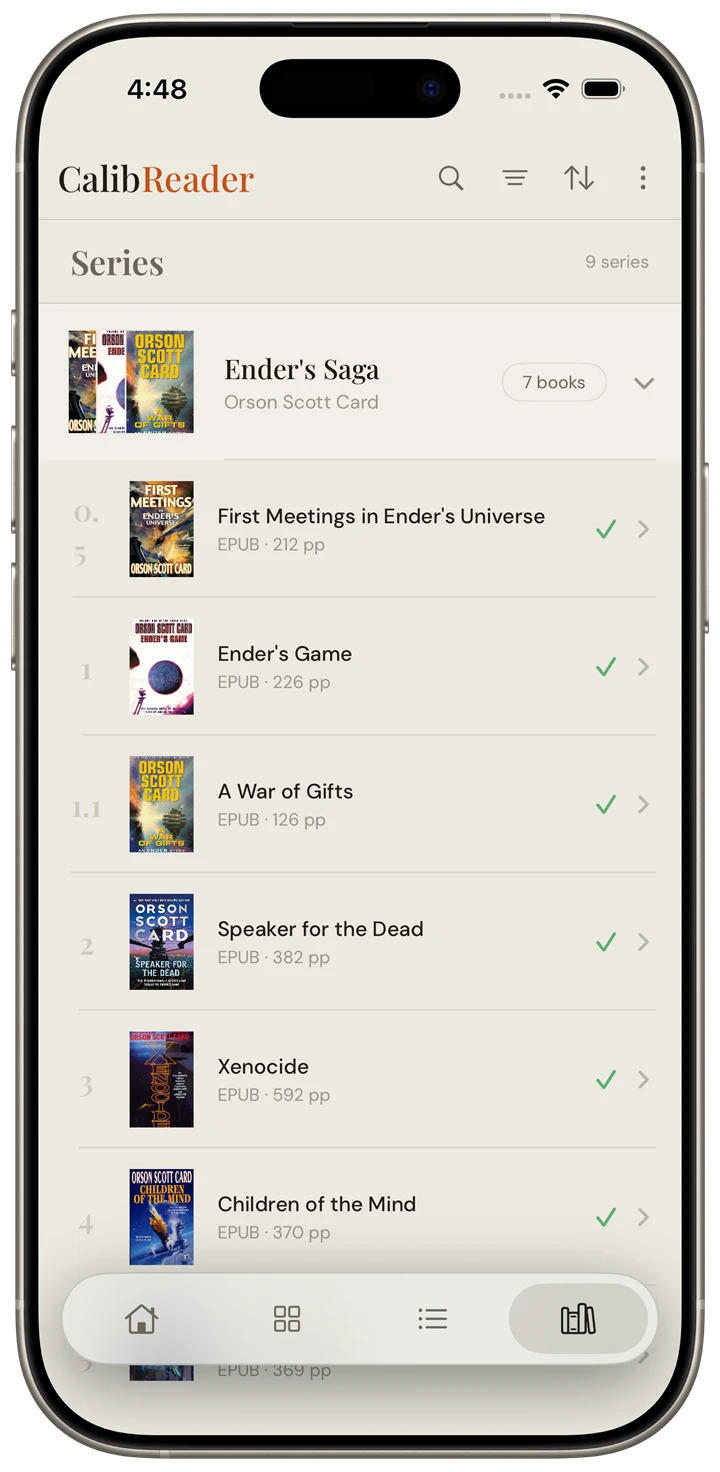
Series
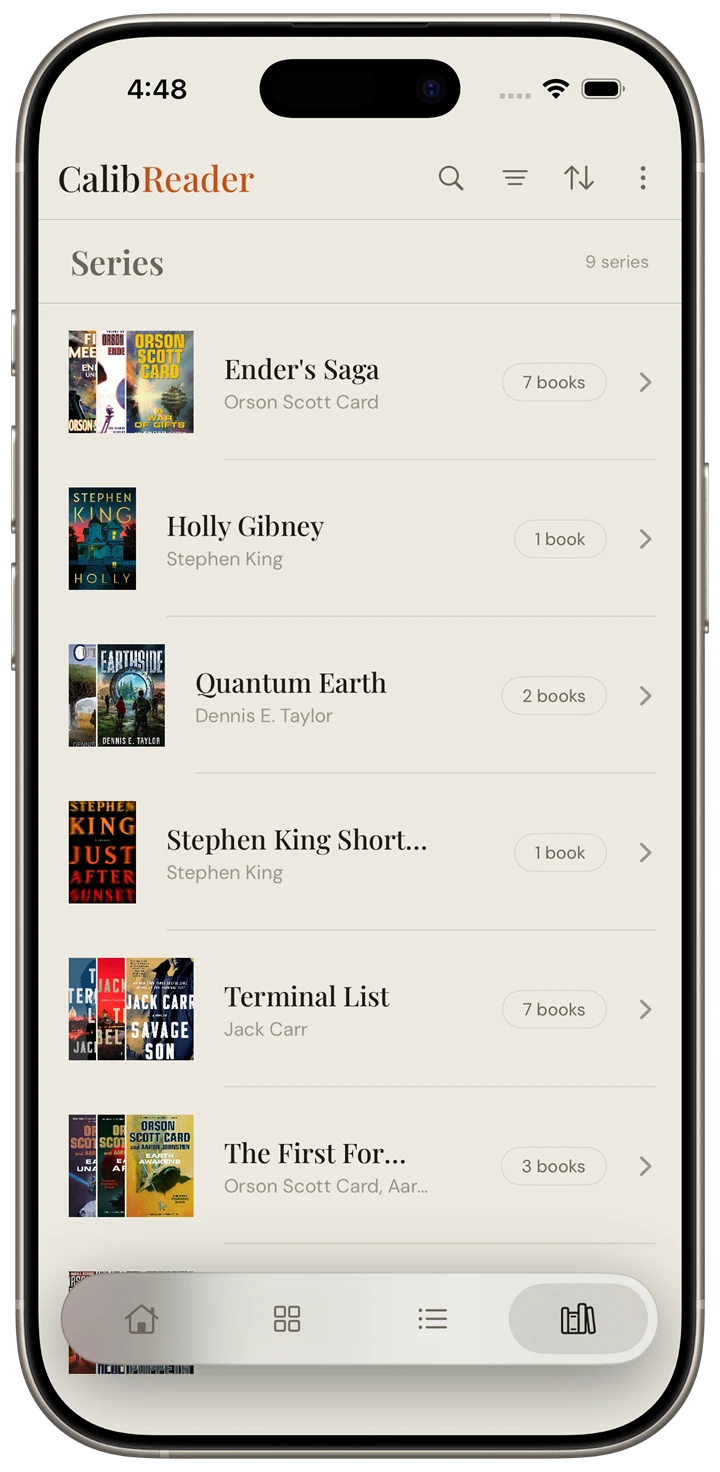
The Series view automatically shows only books that belong to a series; your standalones stay out of the way. Tap a series to expand its books in reading order. See custom columns to drive series ordering from Calibre.
Dark mode
Every view has a full dark mode, easy on the eyes for night reading. Tap any shot to enlarge it.
Filtering and sorting now have their own page: Filters & sorting.